SKYZER TECHNOLOGIES PAGE 35 OF 116
NITRO INGENICO ICT250 AND IWL252 2015 PAYMARK SOFTWARE OPERATING GUIDE Version 1.0
positioned on its base. A terminal that has been paired to a base can only
be re-assigned to a new base when it is unpaired, or disassociated from its
original base.
Note: The base must be powered-on to perform the pairing and un-
pairing
functions
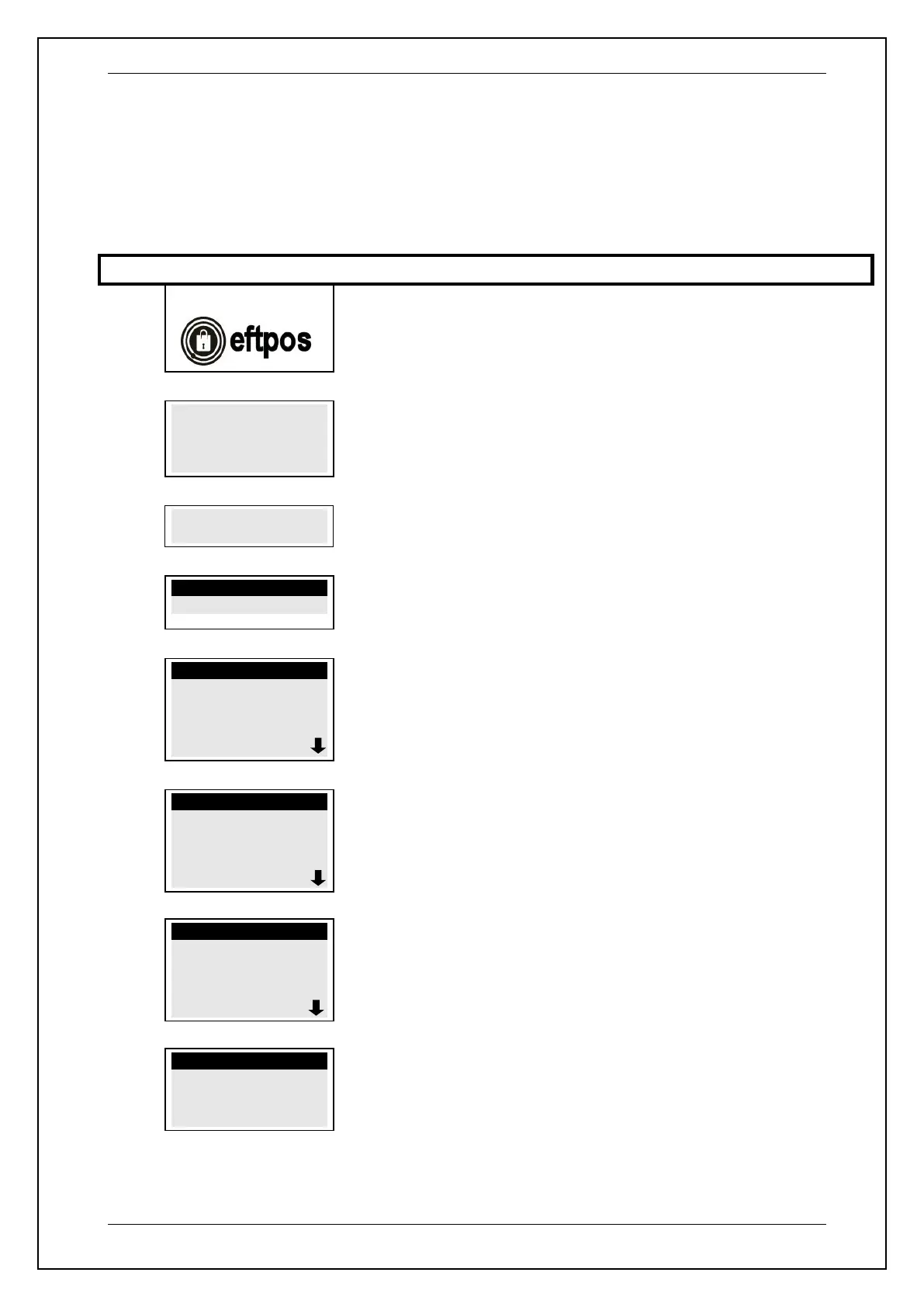
PAYMARK EFTPOS
1. SUPERVISOR
MENU
2.
Key in 6988 followed by ENTER
FUNCTIONS
0-TELIUM MANAGER
Press 0 (Zero) to select TELIUM MANAGER
NOTE: DO NOT SELECT ANY OTHER FUNCTIONS
TELIUM MANAGER
1-Consultation
2-Evolution
3-Initialization
4-Diagnosis
Press 3 to select INITIALIZATION
NOTE: DO NOT SELECT ANY OTHER FUNCTIONS
INITIALIZATION
1-Parameters
2-Hardware
3-Screen Saver
4-Password
Press 2 to select HARDWARE
NOTE: DO NOT SELECT ANY OTHER FUNCTIONS
CONFIGURATION
1-Modem Setup
2-Ethernet Setup
3-Battery Setup
4-Cradle Setup
Press 4 to select CRADLE SETUP
CRADLE SETUP
1-Association
2-Advanced
3-Base State
Press 1 to select ASSOCIATION










 To Next Page