SKYZER TECHNOLOGIES PAGE 95 OF 116
NITRO INGENICO ICT250 AND IWL252 2015 PAYMARK SOFTWARE OPERATING GUIDE Version 1.0
11.3 ELECTRONIC JOURNAL
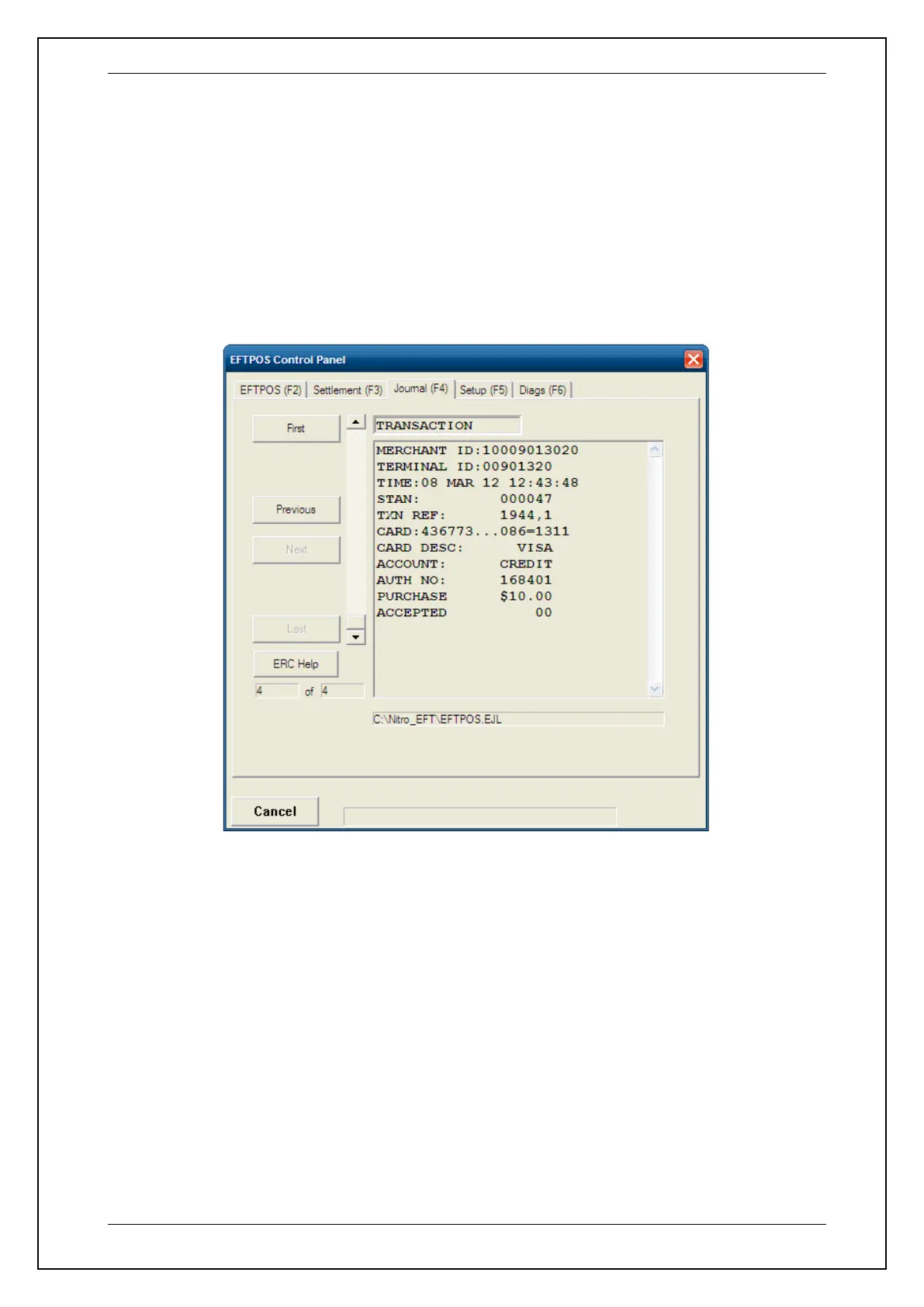
This function electronically journals all the transactions that are performed on
the terminal by storing them on the POS system.
To view the journal transactions, select the Eftpos function from the POS system
and then select JOURNAL (F4) tab. This will display all the electronically journal
transactions. To view the previous, first, last or next transaction journal press the
corresponding tabs.

















 To Next Page