InHand VG710 InVehicle Gateway User Manual
6
4 Login and Network Access
4.1 Network Access via the Dialup Card
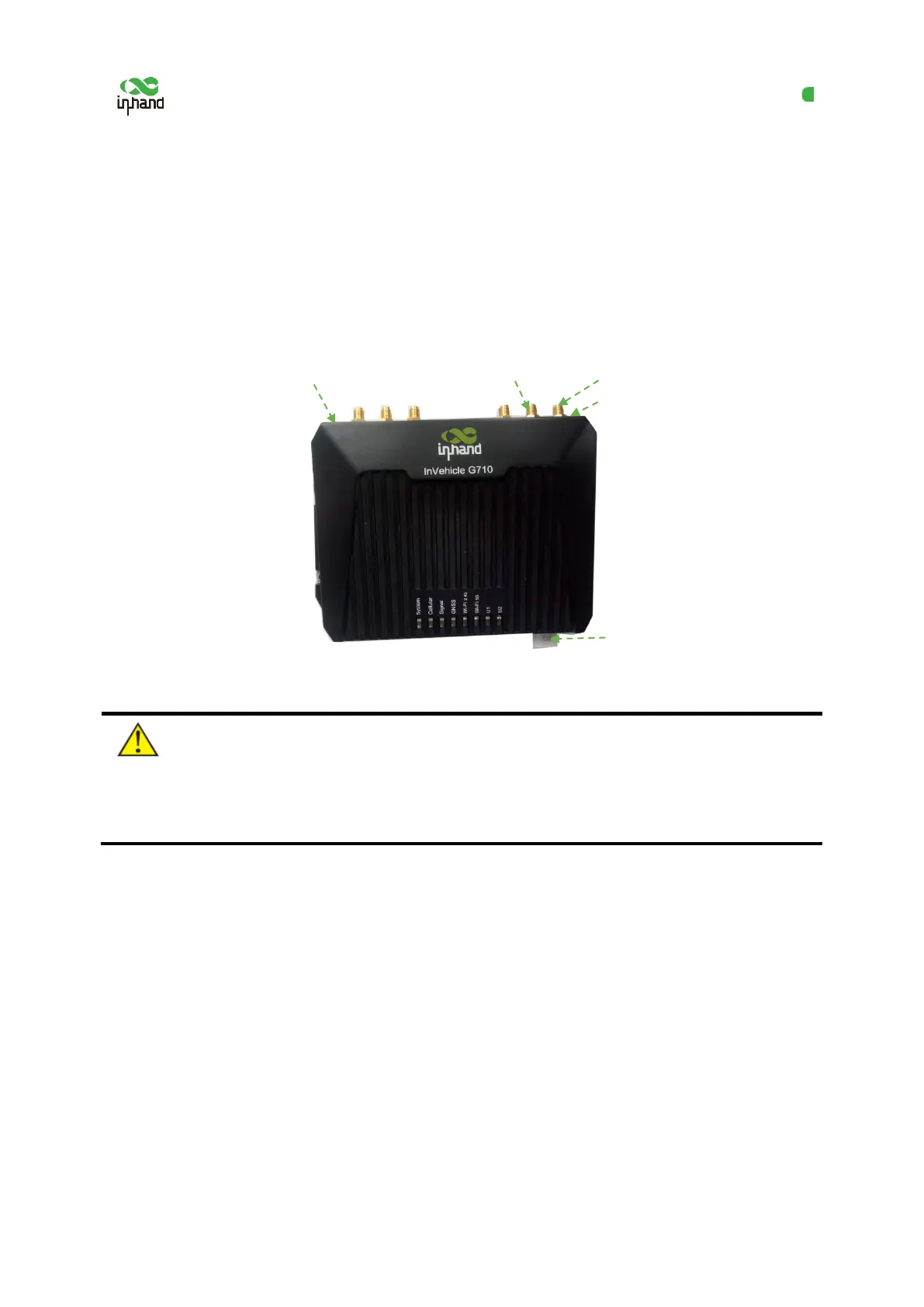
1. Insert the SIM card, connect the GNSS and cellular antennas, and connect the power supply and
PC. Insert the diversity dialup antenna when the dialup card has poor signals.
Note:
Before inserting or removing the SIM card, unplug the power cable; otherwise, the operation will
cause data loss or damage the gateway.
2. Assign an IP address to the PC, which is on the same network segment as the IP address of the
gateway.
Method 1: Enable the PC to obtain an IP address automatically (recommended).
Method 2: Configure a fixed IP address on the same network segment as the gateway address for the
PC.
Step: Select "Use the following IP address", enter any IP address in the range of 192.168.2.2 to
192.168.2.254 (different from the initial IP address 192.168.2.1 of the gateway), the subnet mask
Connect the PC


 To Next Page