12
USING THE TABLET
OBD2 Diagnostics
━ Choose Relink to try again or select OBD2 Menu to return to the OBD2 Menu.
3. Once complete, the tablet displays the OBD2 Diagnostics screen.
OBD2 Diagnostics
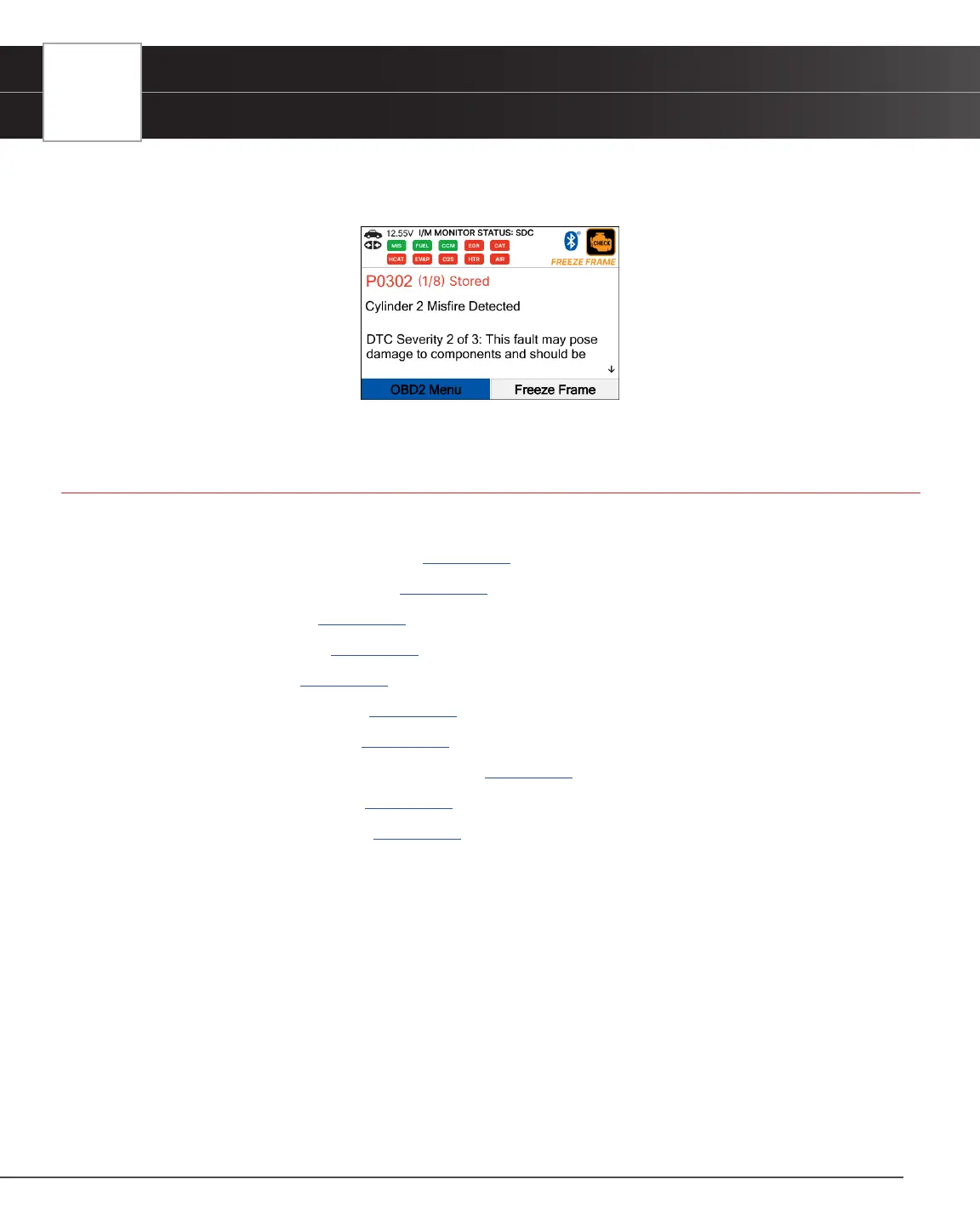
OBD2 Diagnostics provides access to all 10 modes of OBD2. The following functions are available:
I/M Readiness Status – $01, $41 [See page 12]
Read DTCs - $03, $07, & $0A [See page 13]
Erase DTCs - $04 [See page 16]
Freeze Frame - $02 [See page 17]
Live Data - $01 [See page 17]
O2 Sensor Monitor - $05 [See page 23]
OBD Monitor Test - $06 [See page 24]
Request Control On-Board System - $08 [See page 25]
Drive Cycle Procedures [See page 25]
Vehicle Information - $09 [See page 26]
I/M Readiness Status - $01, $41
The vehicle’s computer stores a record of monitor status upon completion of a full diagnostic check of all monitored
components and systems since the computer’s memory was last cleared.
The I/M Readiness Status - $01, $41 feature displays which vehicle particular Monitor has or has not run and completed
testing of their designated sections within the vehicle’s emissions control system. Additionally, it also provides the
descriptions for each monitor.
1. From the OBD2 Menu, select I/M Readiness Status - $01, $41, then press OK button.
2. A “One moment please. . .” message displays, followed by a selection dialog. Select Since DTCs Cleared - $01 or
This Drive Cycle - $41 as appropriate. Press OK to continue.
n If the vehicle under test does not support Since DTCs Cleared - $01 or This Drive Cycle - $41, a


 To Next Page