USING THE TABLET
Tool Library
43
5. When you have nished viewing the DLC location, choose New Vehicle (to view the DLC location for another vehicle)
or choose Back to return to the Tool Library menu.
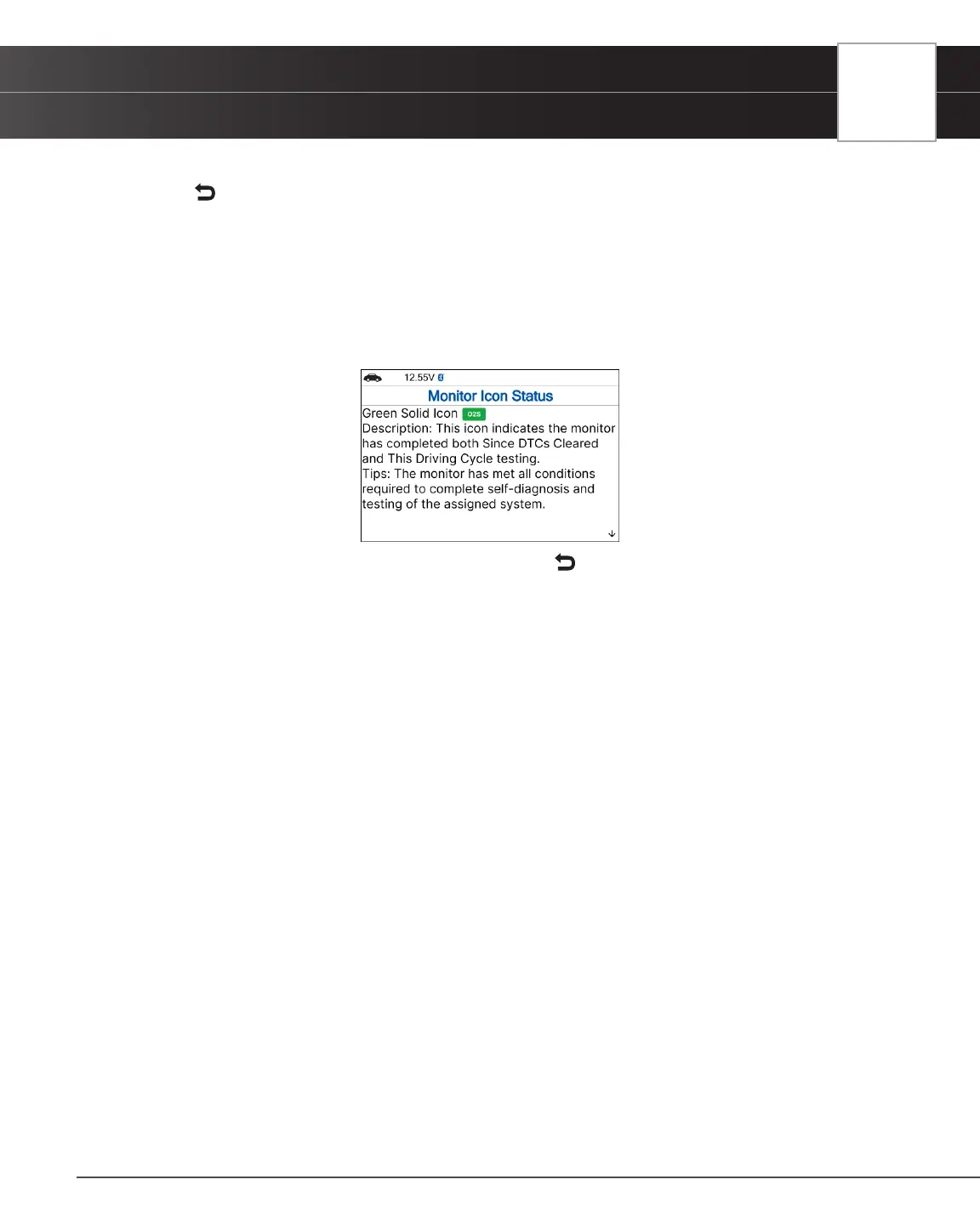
Monitor Icon Status
Denes the icon monitor status color coding and provides tips on how to proceed.
1. Select Monitor Icon Status in the Library menu, then press the OK button.
n The Monitor Icon Status dialog displays.
2. When you have nished viewing the Monitor Icon Status, press Back to return to Tool Library menu.


 To Next Page