10
INTRODUCTION
Initial Setup (Personal Settings)
Initial Setup (Personal Settings)
The rst time the Tablet Scan Tool is connected to a vehicle, it is necessary to complete your setup by performing the
following steps:
1. Select the desired display language (English, Spanish, French) and press OK.
2. Select the desired unit of measurement (U.S. Standard or Metric) and press OK.
3. The screen displays the Smog Check or I/M Program LED Denition. Press OK to continue.
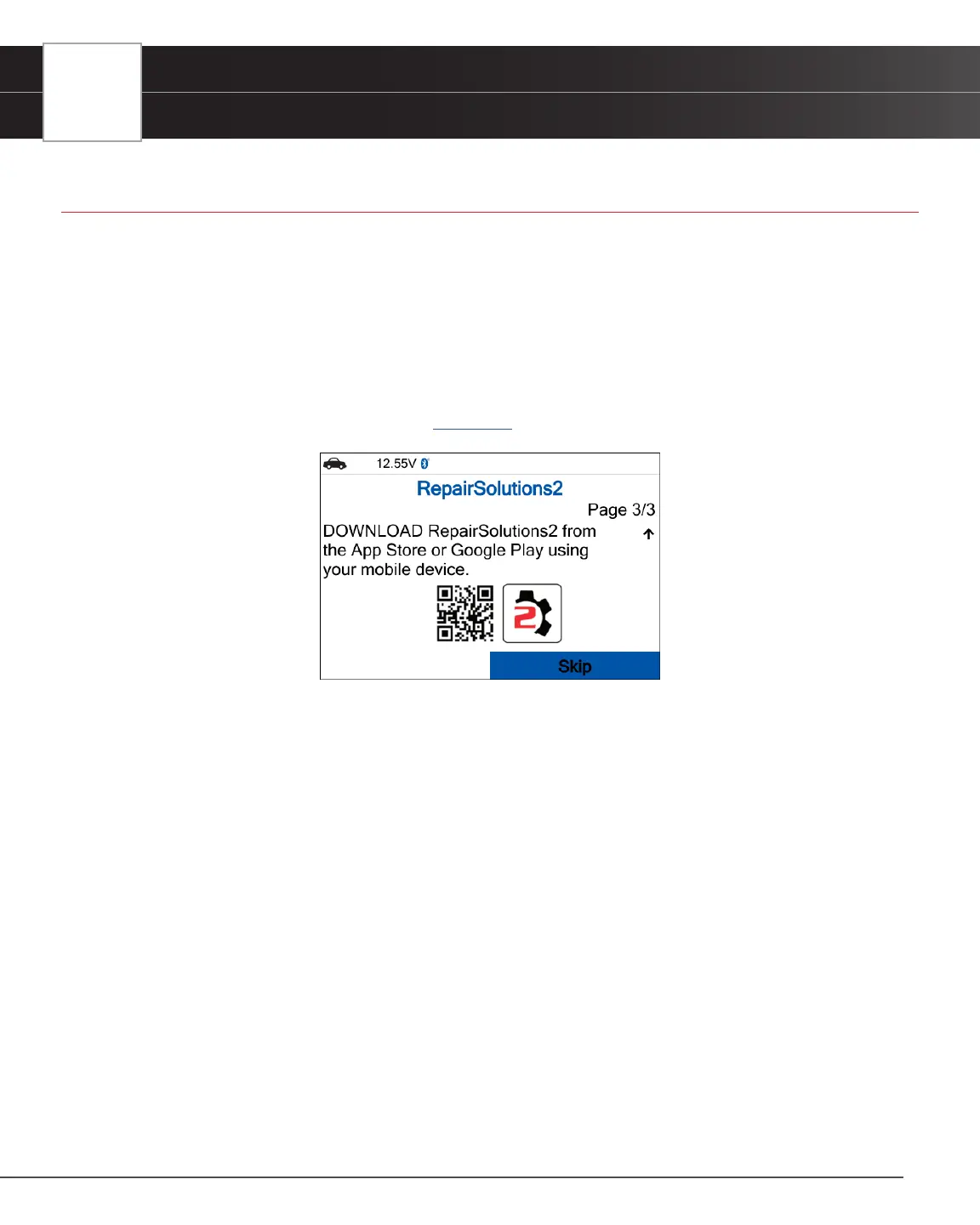
4. On the next screen, a QR code to RepairSolutions2 (RS2) is provided. Using any mobile device, scan the code to
download and install the free RS2 app. The app offers additional information including Most Likely Component/System
Cause for DTC, Repair Tip, and much more. [See page 8].


 To Next Page