139
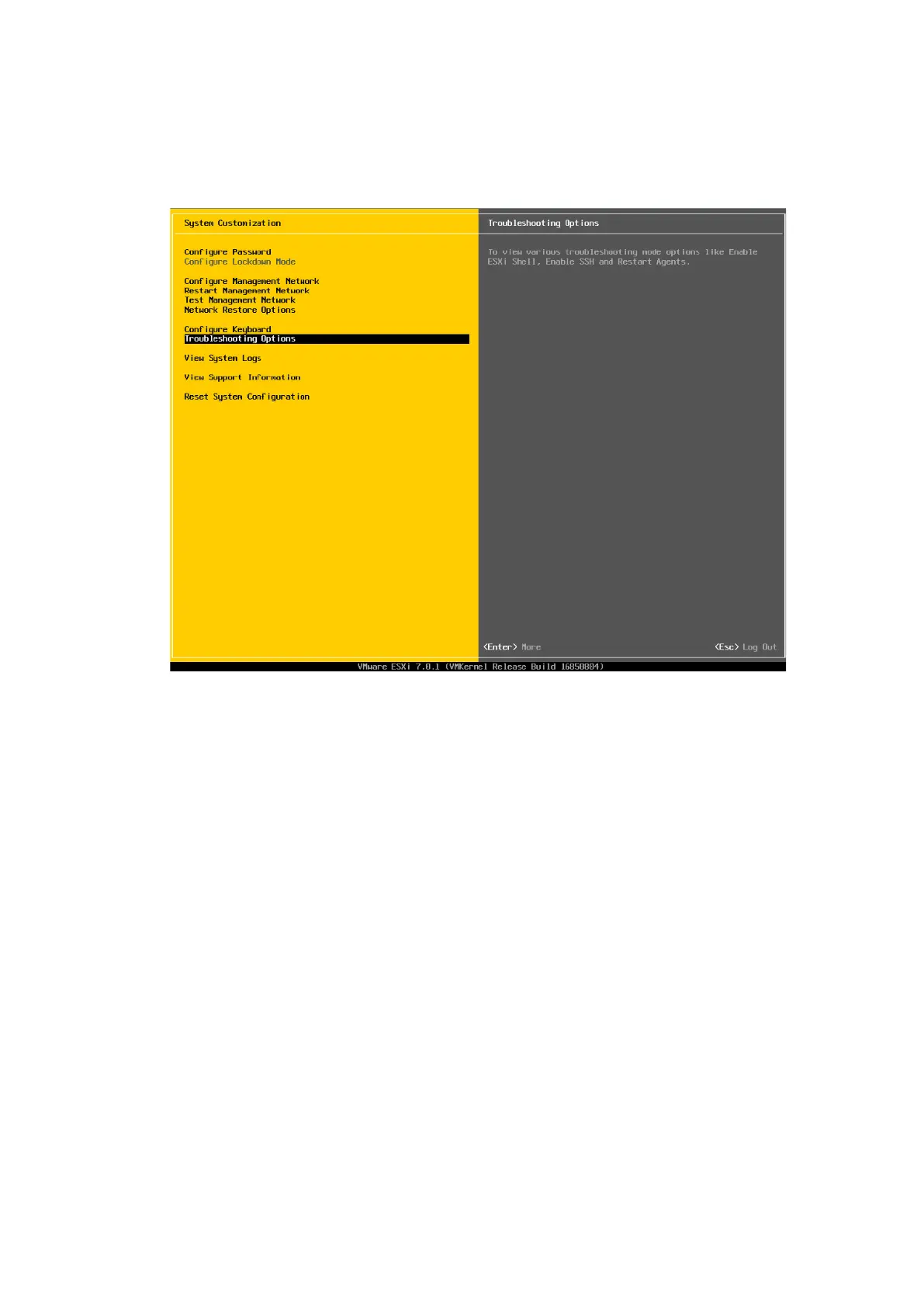
16. Select Troubleshooting Options in which you can enable or disable SSH and
Shell.
Figure 6-46 Selecting Troubleshooting Options
17. Select Enable ESXi Shell and Enable SSH respectively, and press <Enter> to
enable or disable the functions. The current status of the function is displayed
on the right side of the screen after selecting the configuration item. For
example, after selecting Enable ESXi Shell, ESXi Shell is Disabled is displayed
on the right side of the screen. If you press <Enter>, ESXi Shell is Enabled will
be displayed on the right side of the screen.



 To Next Page