71
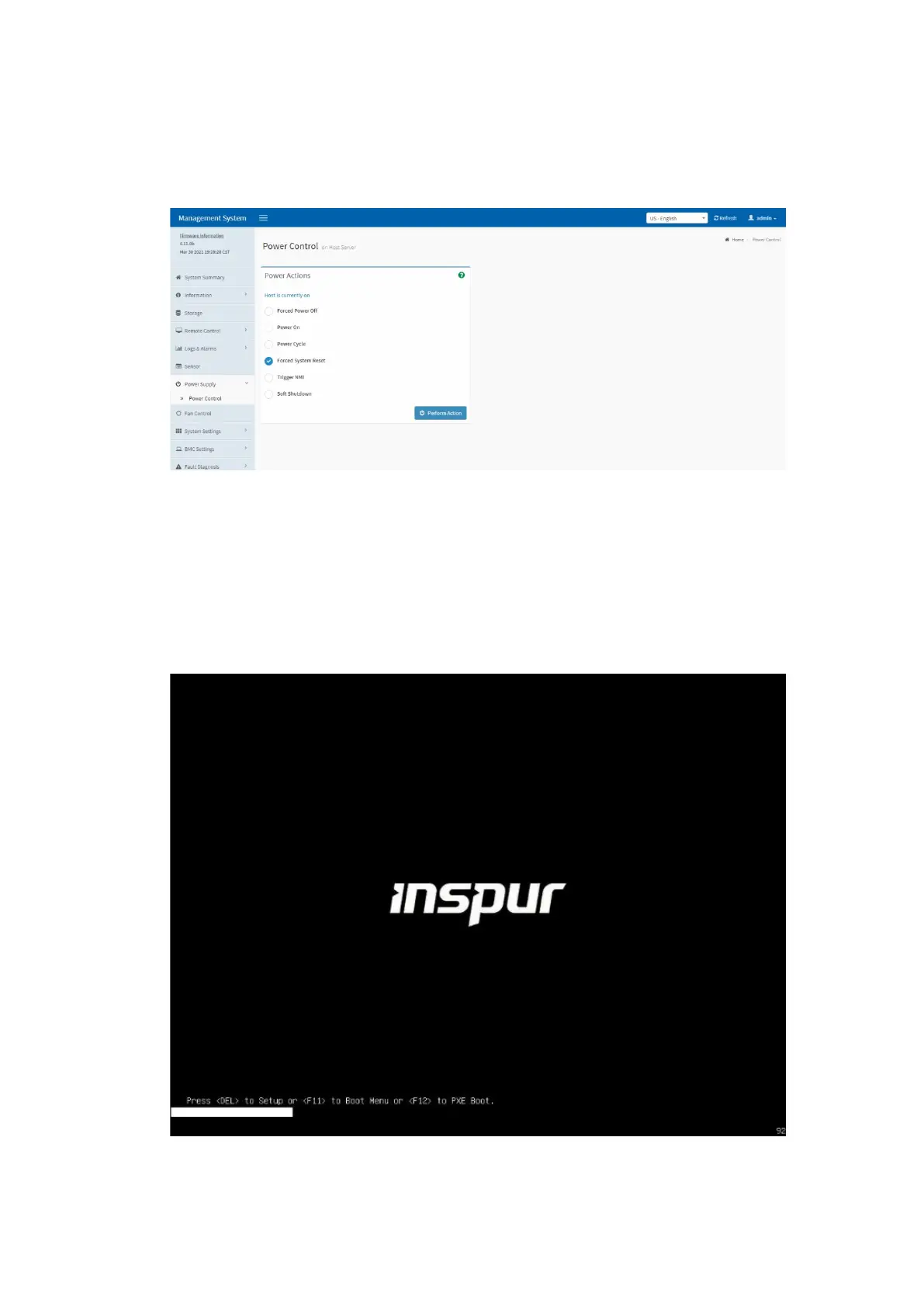
Power Control > Forced System Reset, and click Perform Action to restart the
server, as shown below.
Figure 5-30 Server Restart
5.6 Selecting the BIOS Boot Device
1. Via the JViewer remote screen, when you are prompted to press hot keys on
the BIOS boot screen, press <F11> to enter the boot device menu.
Figure 5-31 BIOS Boot Screen



 To Next Page