180
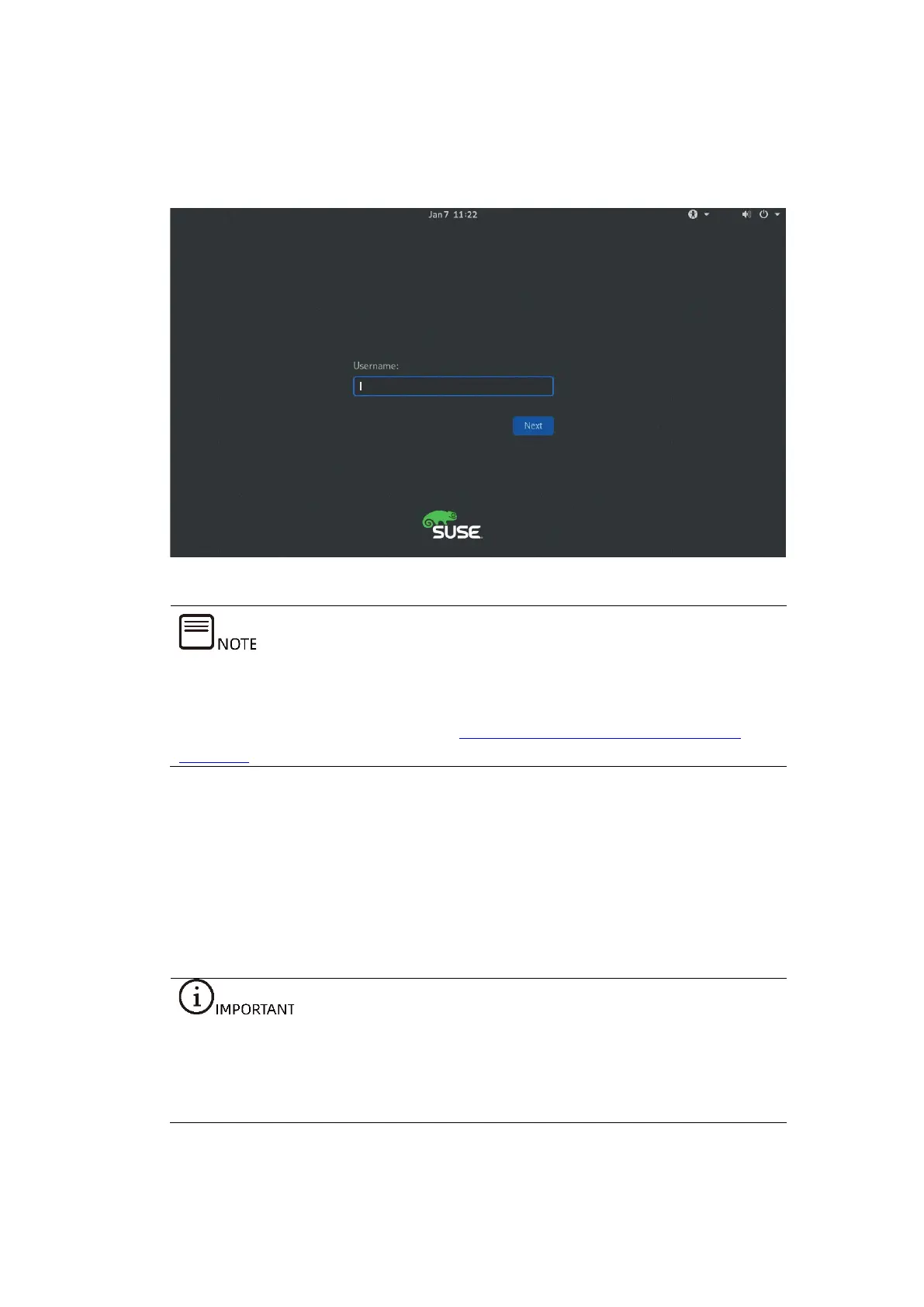
15. After the installation is completed, you will be redirected to the OS login
screen.
Figure 7-48 Login Screen
After the OS is installed, check whether the existing driver versions match the
server OS. If the driver versions do not match, install the drivers of the required
versions. For detailed operations, see 8 Installing/U
pdating the Drivers and
Firmware.
7.7 Installing the OS (VMware ESXi 6.7 Update
3)
This section guides you on how to install the OS by directly using the OS installation
CD-ROM or ISO image.
The setup wizards vary with different OS types, and the setup wizard screens for
operating systems of the same type but different versions are slightly different.
For more details, visit the corresponding OS official websites.
This section demonstrates with the VMware ESXi 6.7 Update 3 OS.



 To Next Page