19
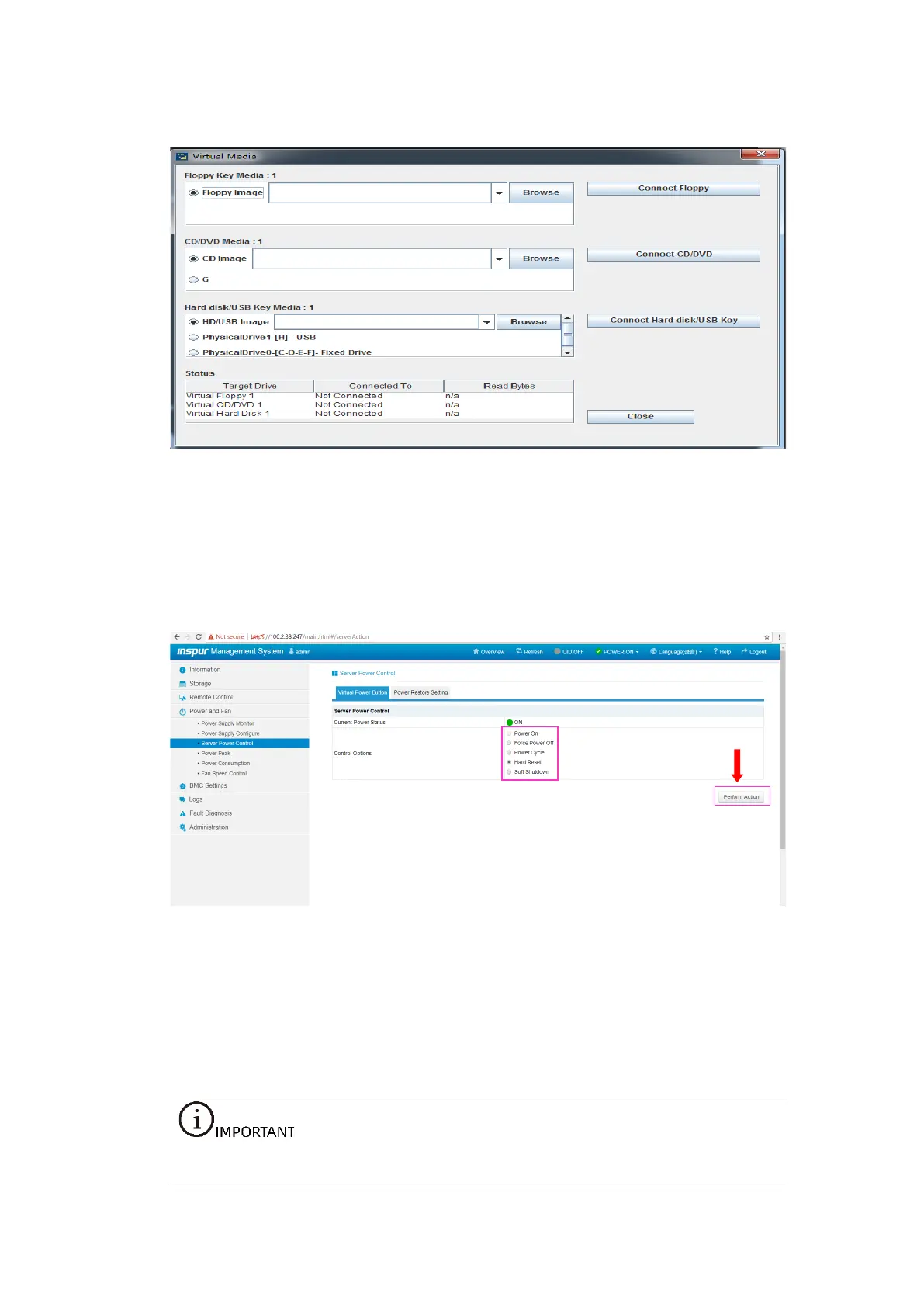
Figure 4-24 CD Image Setting
3. Restart the server.
Log in to the BMC Web GUI, select Power and Fan > Server Power Control > Hard
Reset, and click Perform Action.
Figure 4-25 Server Restart
4.5 Selecting the BIOS Boot Device
Restart the system. Press <F11> via the KVM to enter the BIOS boot menu when you
are prompted to press a hot key, and then select the BMC virtual CD-ROM device
AMI Virtual CDROM0 1.00 to boot the system.
If you are installing the OS in UEFI mode, select UEFI: AMI Virtual CDROM0 1.00.



 To Next Page