158
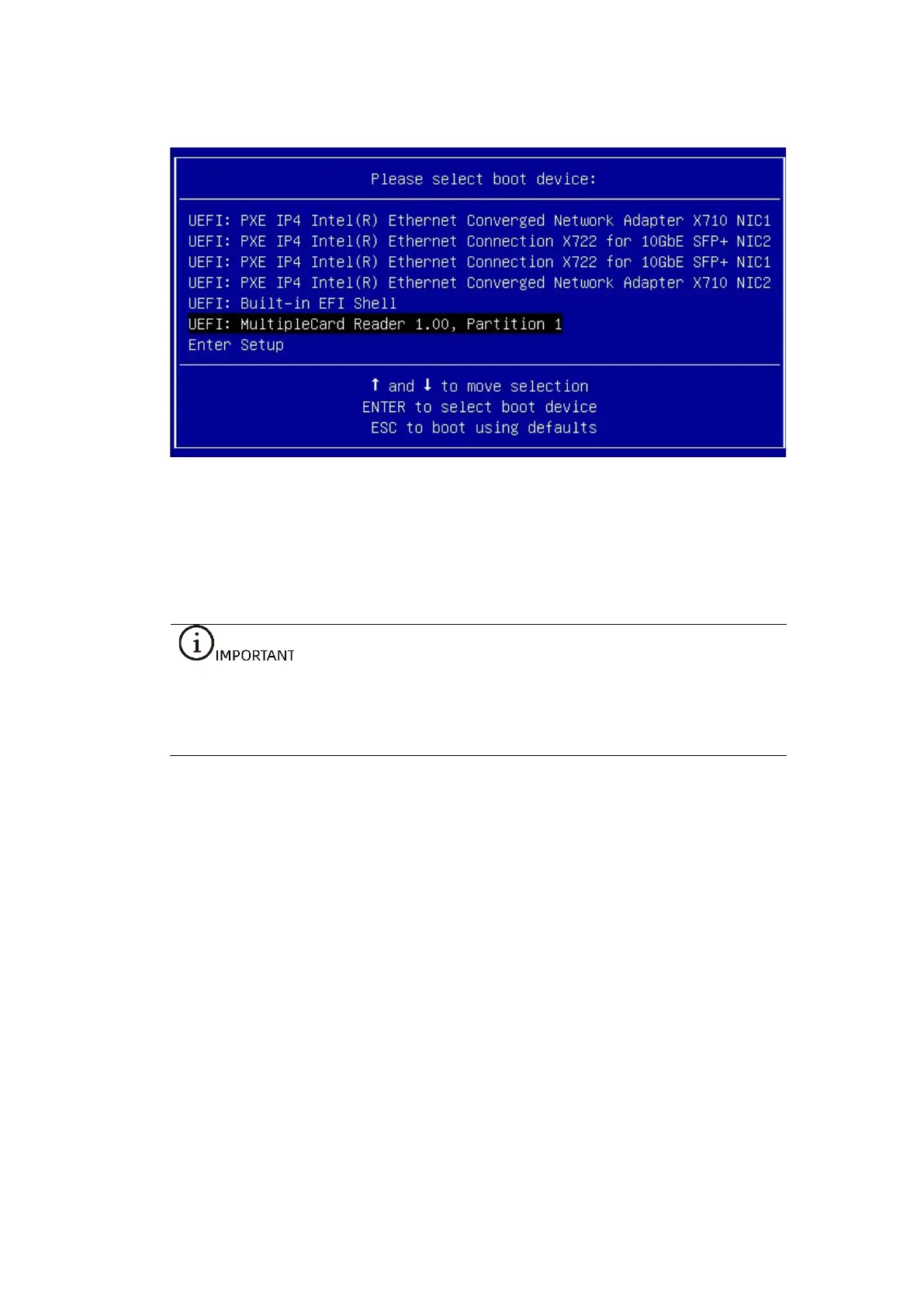
Figure 7-21 Boot Devices Marked with UEFI
7.5 Installing the OS (Windows Server 2019)
This section guides you on how to install the OS by directly using the OS installation
CD-ROM or ISO image.
The setup wizards vary with different OS types, and the setup wizard screens for
operating systems of the same type but different versions are slightly different.
For more details, visit the corresponding OS official websites.
This section demonstrates with the Windows Server 2019 OS.
Procedure:
1. Load the OS image to go to the initial setup screen, and then select the
Language to install, Time and currency format, and Keyboard or input
method.



 To Next Page