255
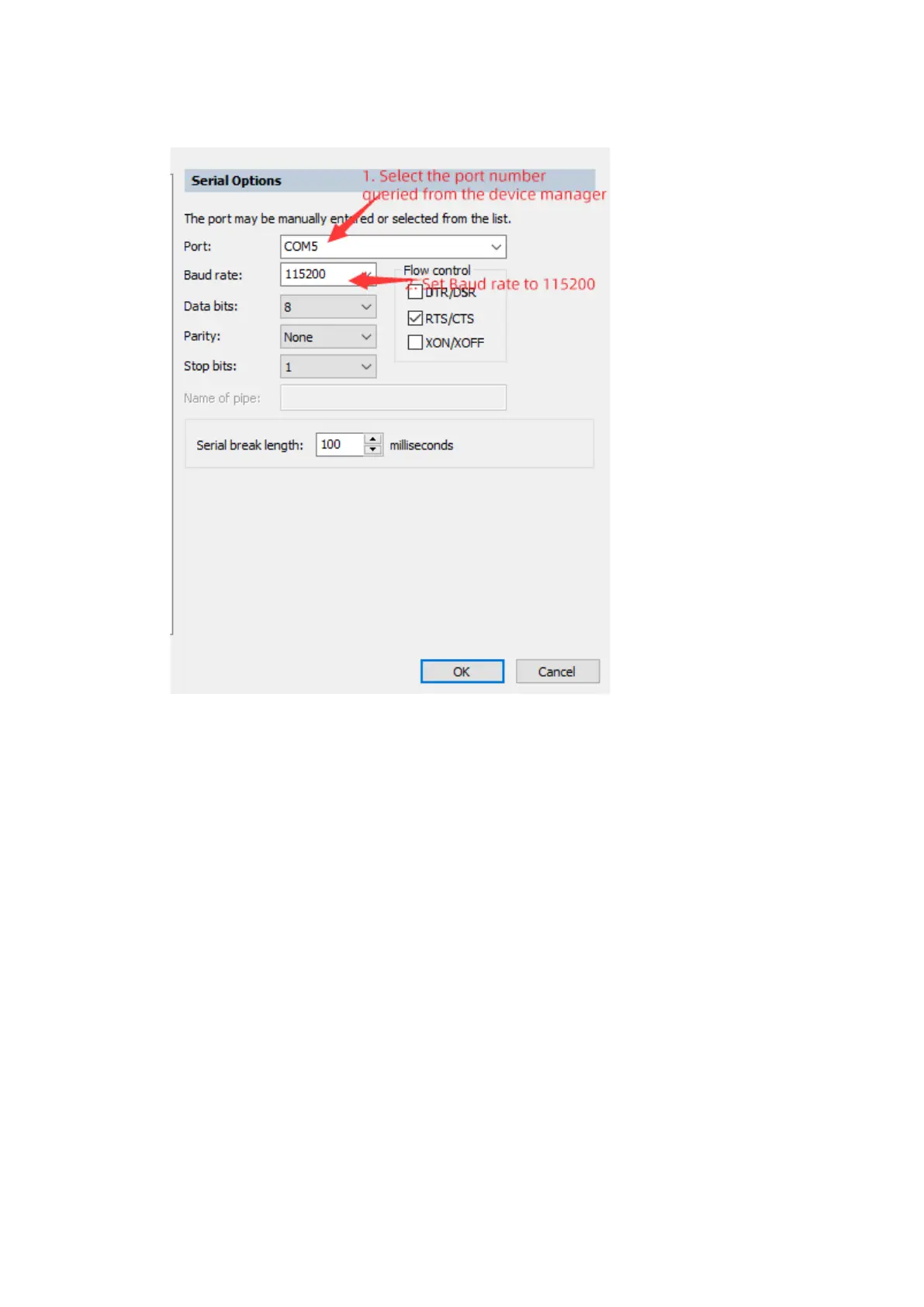
Figure10-58 Serial Port Configuration - 2
2. Click the session to see the serial port information output by the server.
10.3 Configuring the NMI
When the OS fails to respond to the keyboard and mouse operations, you can click
the server's NMI button to trigger a non-maskable interrupt (NMI). The OS will enter
a memory dump process, and then automatically restart to restore services. During
the process, the dump logs will be generated for cause analysis. The NMI function
needs to be used together with the dump function.
On Windows and VMware, you can directly trigger an NMI. However on Linux, you
need to perform the following procedure:
1. Add the following to the etc/sysctl.conf file:
kernel.unknown_nmi_panic=1
kernel.panic_on_unrecovered_nmi=1
2. Execute the sysctl -p command for the configuration to take effect.



 To Next Page