18
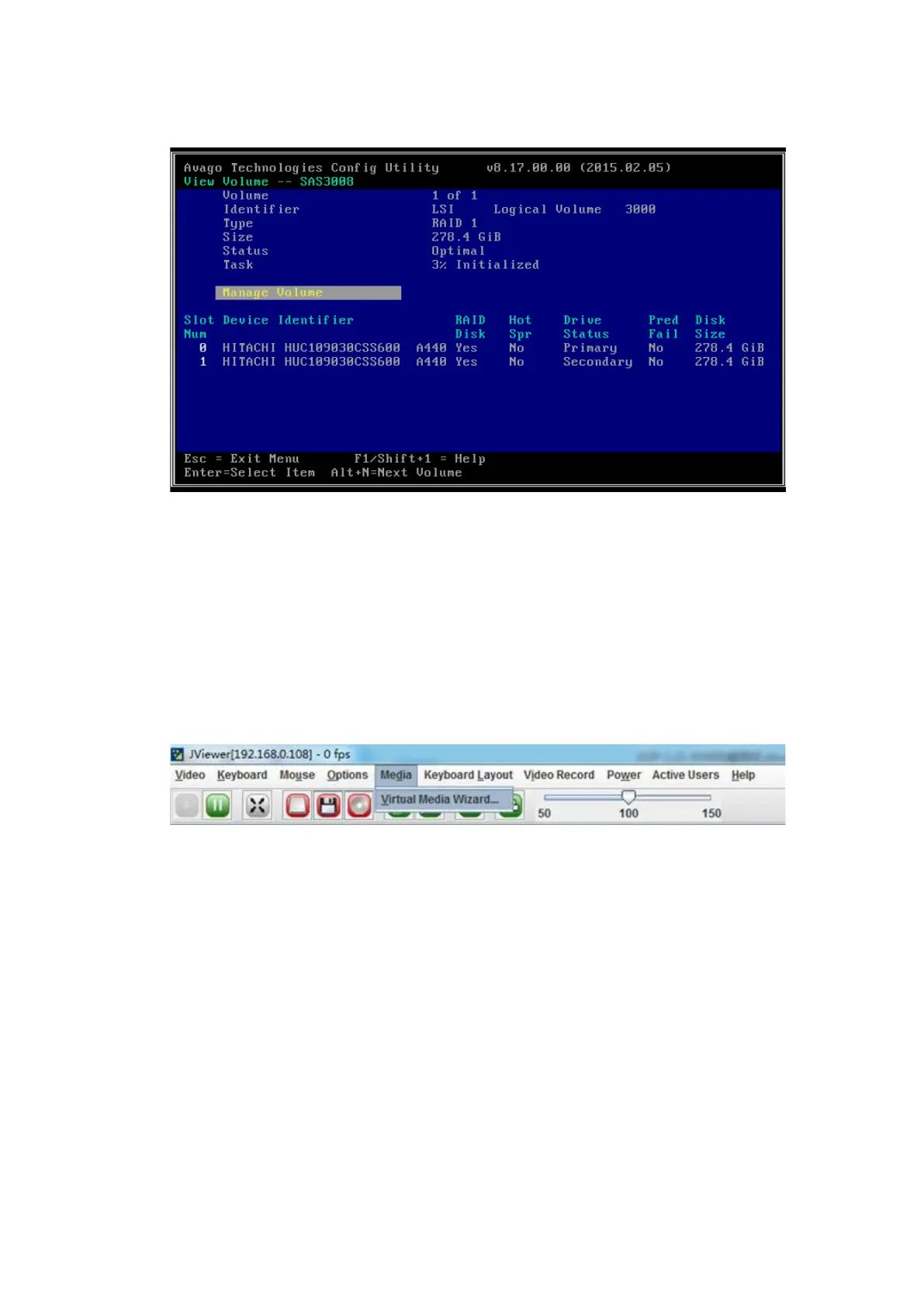
Figure 4-22 RAID Array Screen
9. Press <ESC> to exit and complete the RAID 1 array creation.
4.4 Loading the OS Image
Procedure:
1. On the KVM remote management screen, select Media > Virtual Media Wizard.
Figure 4-23 Virtual Media Wizard
2. Mount the CD-ROM or image.
You can use either of the following methods depending on the medium.
If you are using a CD-ROM, put the OS installation CD-ROM into the CD-ROM
drive and select the G drive as shown below.
If you are using an ISO image, select CD Image as shown below.



 To Next Page