253
#color white/blue black/light-gray
default 0
timeout 8
#gfxmenu (hd0,1)/boot/message
serial --unit=0 --speed=115200
terminal --timeout=15 serial console
title Linux ! SERIAL CONSOLE !
kernel (hd0,1)/boot/vmlinuz root=/dev/sda3 selinux=0 splash=0
resume=/dev/sda1 showopts elevator=cfq vga=791 console=tty0
console=ttyS0,115200
initrd (hd0,1)/boot/initrd
# reboot
10.2.2 Configuring the Serial Port Output on
Windows
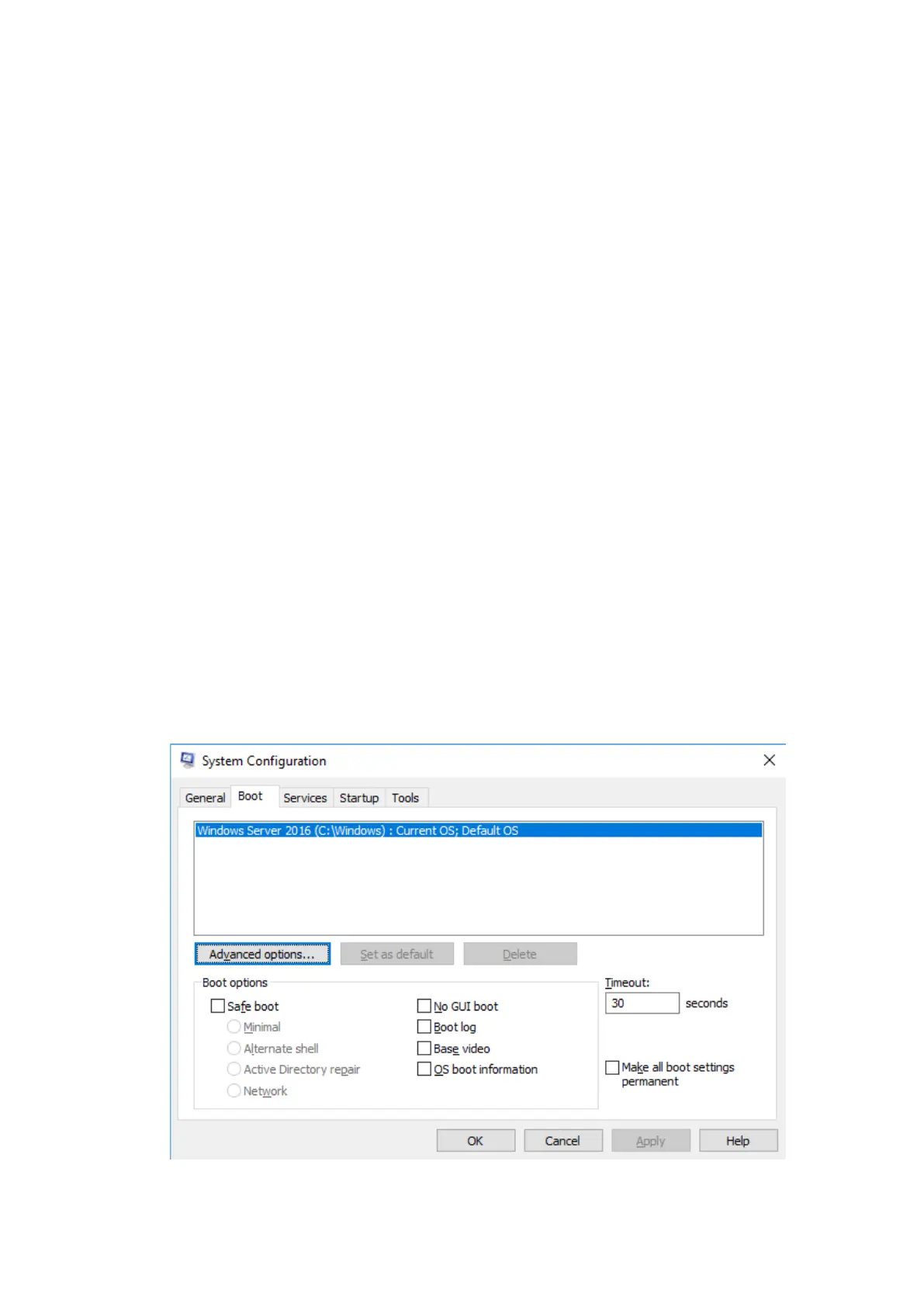
Press <Win> and <R> to open a dialog box, enter “msconfig” and then press
<Enter>.
Figure10-55 Boot Tab Screen



 To Next Page