201
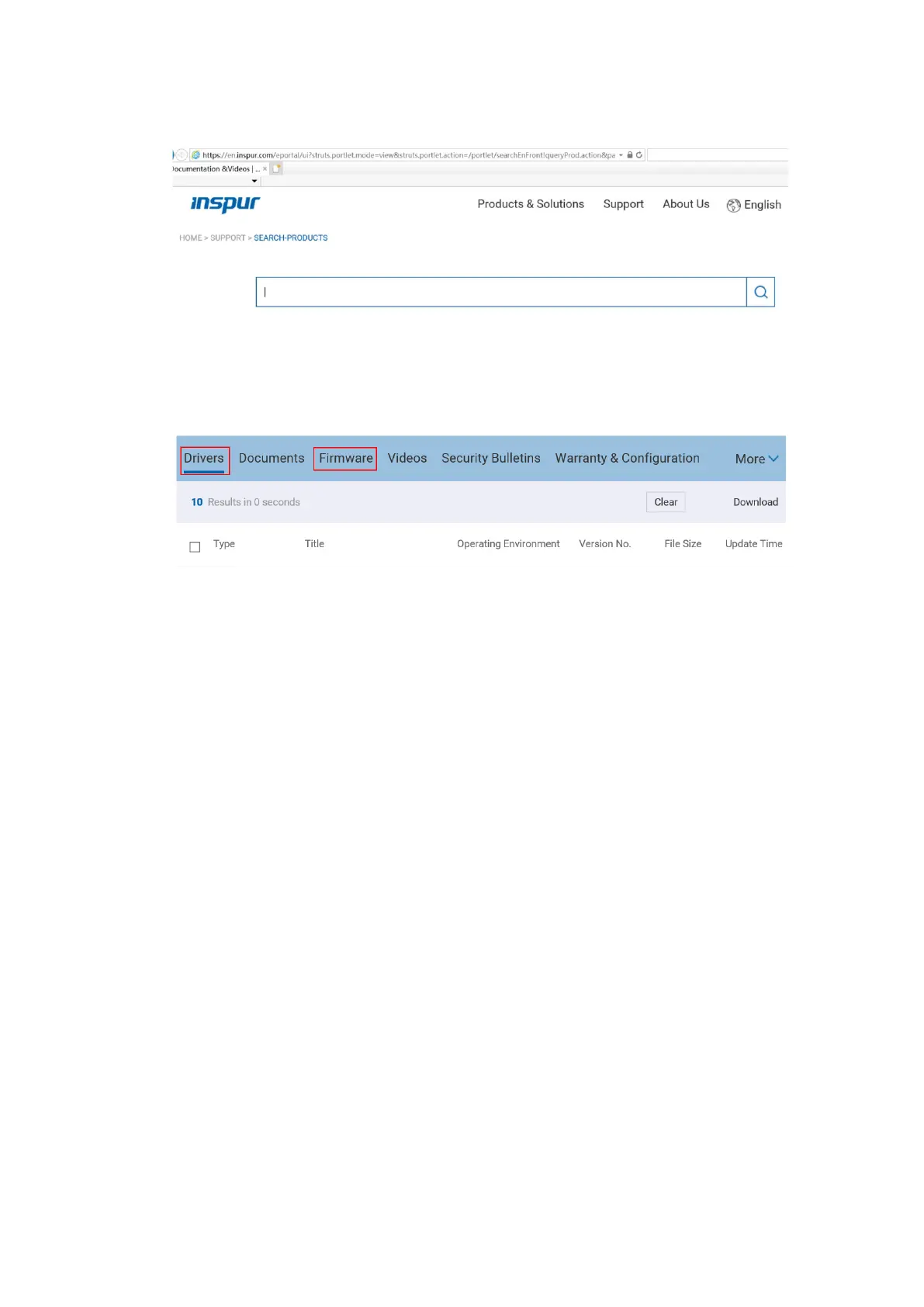
Figure 8-2 Querying Driver Versions - 2
2. Download the drivers or firmware based on the OS.
Figure 8-3 List of Drivers and Firmware
8.2 Checking the Driver and Firmware Versions
8.2.1 Checking the Driver Versions on Windows
Check the current driver version of the Windows OS to determine whether a new
driver needs to be installed.
The user interfaces vary with Windows editions. This section demonstrates with the
Windows Server 2016 OS to guide you on how to check the driver version of the NIC
card.
Procedure:
1. Log in to the virtual console of the server.
2. Log in to the server OS.
3. Click Start, right-click Computer, and select Properties to enter the System
window.
4. Click Device Manager on the window.
5. Click Network adapters to view the drop-down list.
6. Double-click the desired NIC card to view the properties window. Then, click
the Driver tab to view the information.



 To Next Page