54
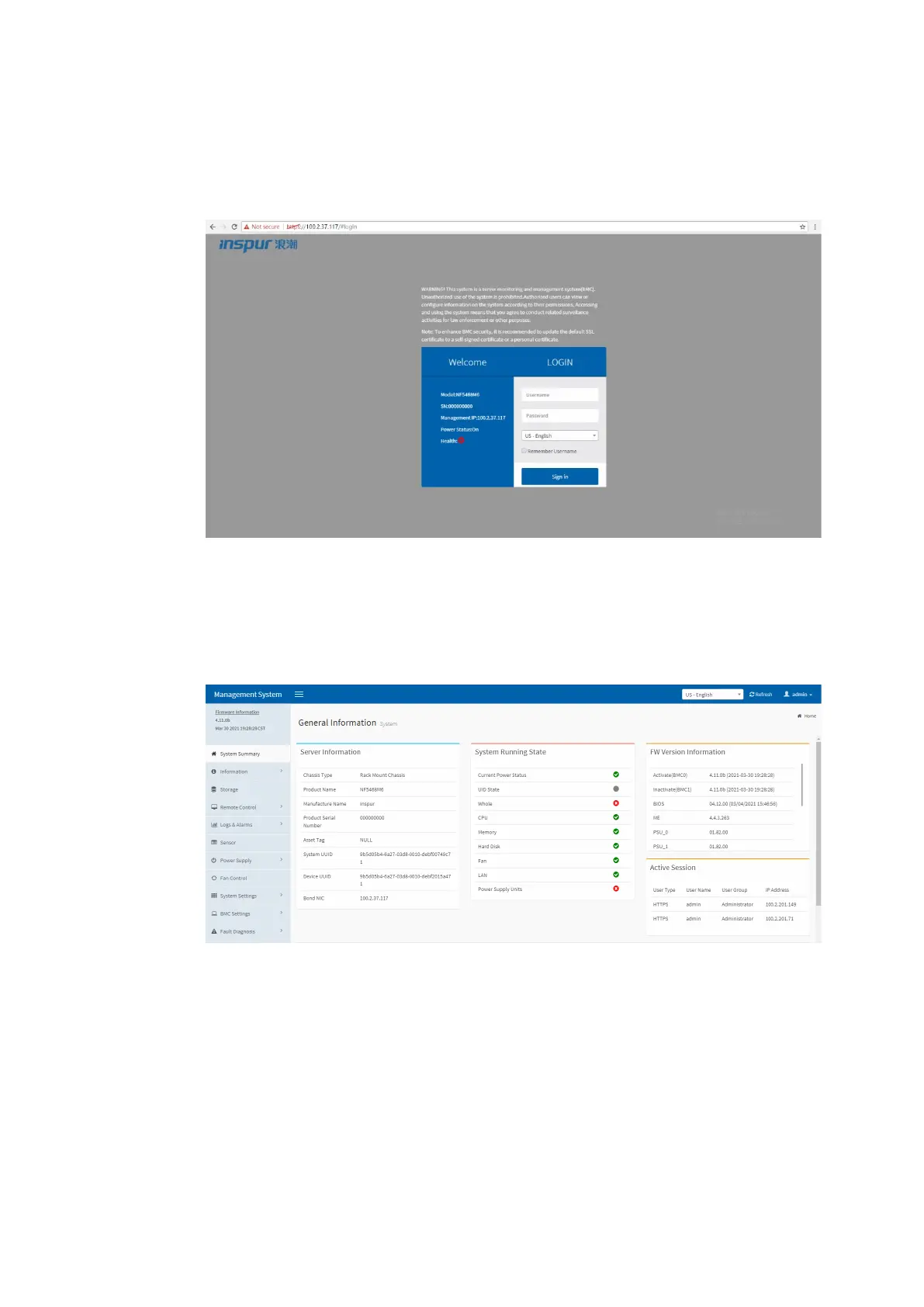
3. Log in to the BMC Web GUI.
a. Go to the login screen.
Figure 5-5 Login Screen
b. Enter the username and password, and click Sign in to enter the console
homepage.
Figure 5-6 Console Homepage
5.3 Configuring the RAID Arrays (UEFI Mode)
This section demonstrates with the Inspur PM8204-2GB/4GB RAID controller card to
guide you on how to configure RAID arrays. The Inspur PM8204 supports multiple
RAID levels including RAID 0, 1, 5, 6, 10, 50, and 60. This section guides you on how
to configure a RAID 5 array in the UEFI mode.



 To Next Page