10
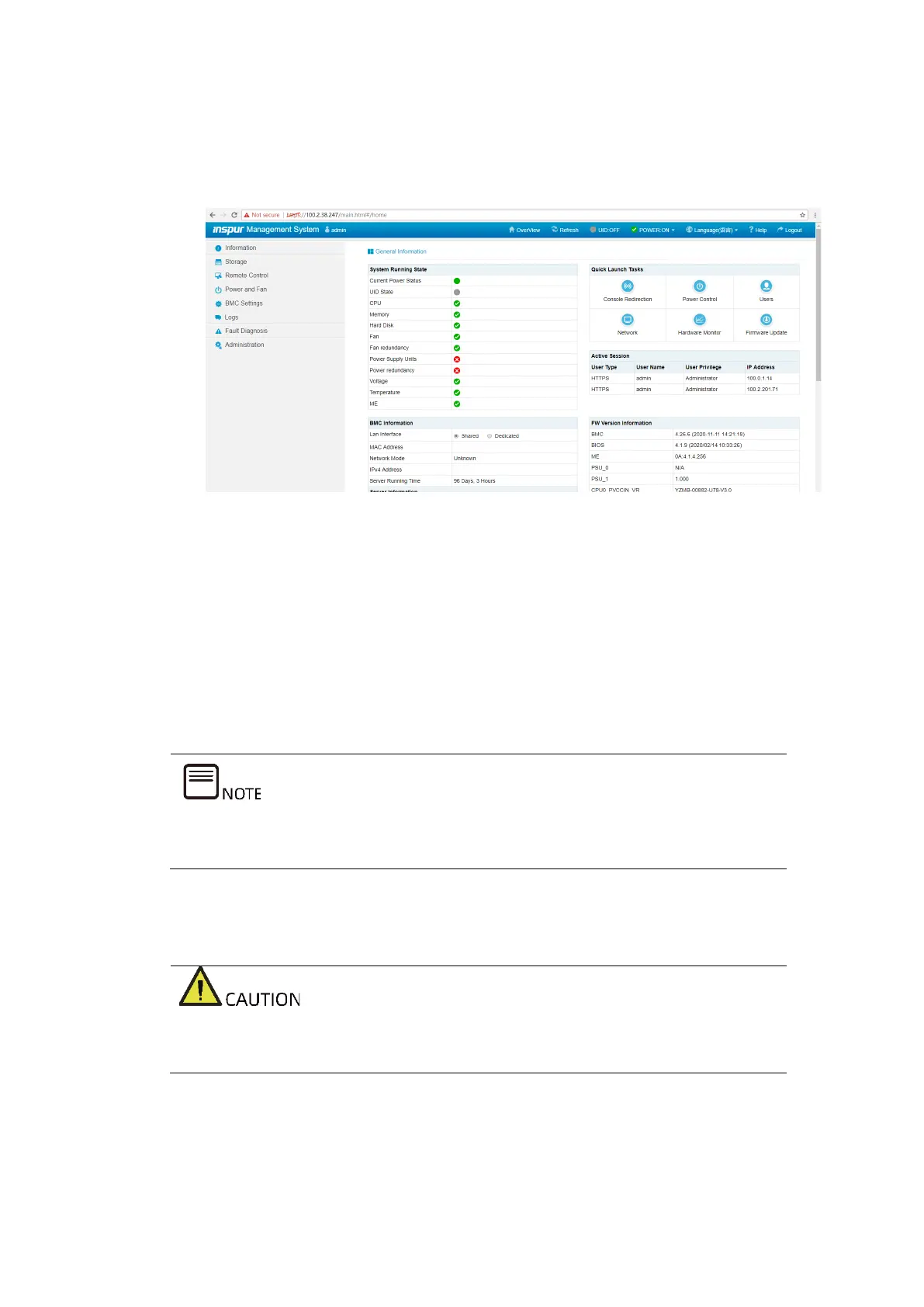
b. Enter the username and password, and click LOGIN to enter the console
homepage.
Figure 4-6 Console Homepage
4.3 Configuring the RAID Arrays (Legacy
Mode)
This section demonstrates with the Inspur SAS3008IR card to guide you on how to
configure RAID arrays. The Inspur SAS3008IR supports multiple RAID levels
including RAID 0, 1, 1E, and 10. This section guides you on how to configure a RAID
1 array in the Legacy mode.
For the RAID array configuration of different RAID controller cards, please refer to
the corresponding Inspur server RAID controller card configuration manuals.
4.3.1 Logging in to the Config Utility Screen
Logging in to the RAID Config Utility screen requires a server restart, which will
cause business interruption.
Procedure:
1. Restart the server.



 To Next Page