9
2. Go to the BMC Web GUI.
a. Open a browser and type the IP address (the configured BMC IP address) in the
address bar.
b.
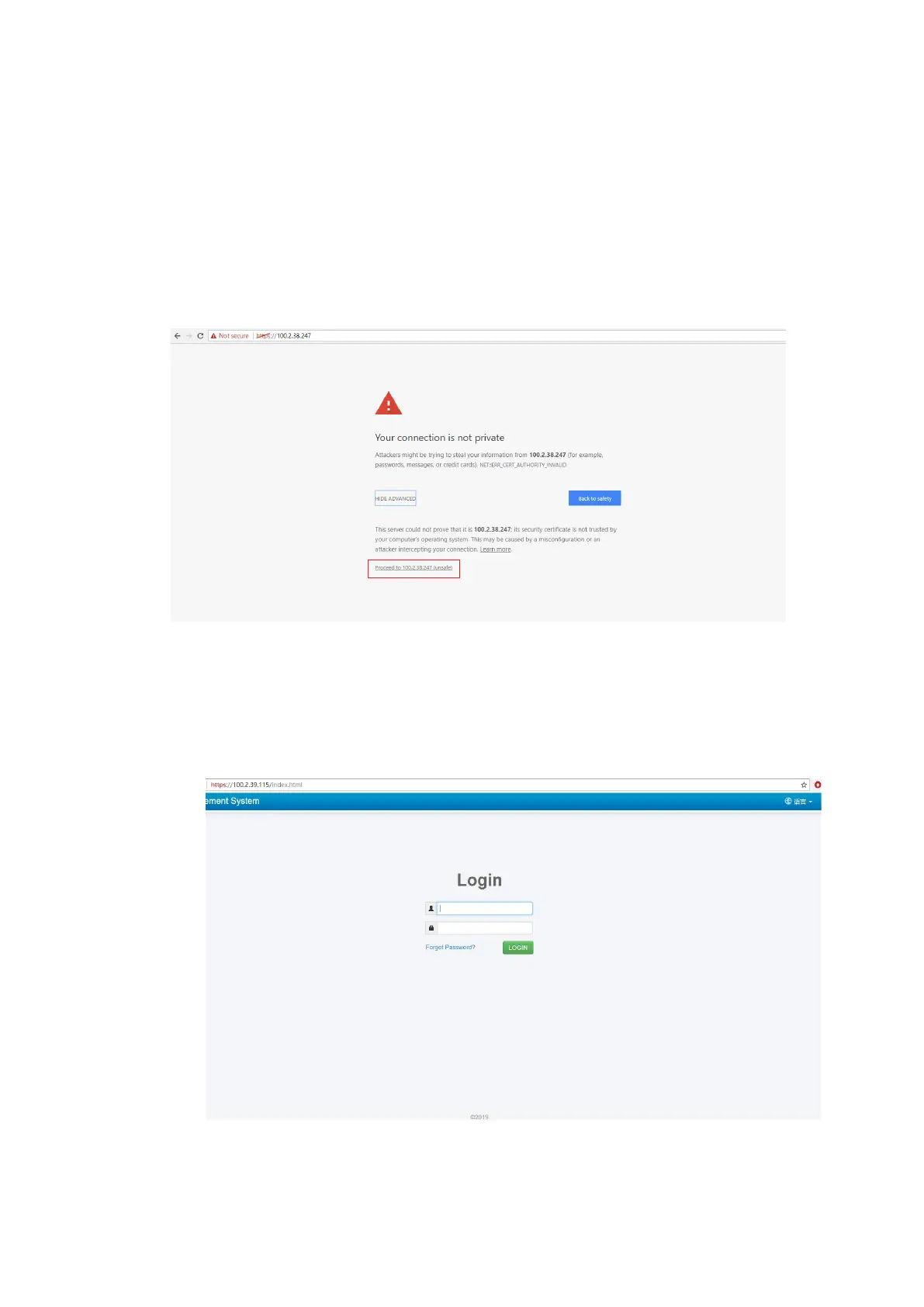
When you go to the BMC Web GUI, a security warning will be displayed. In this
case, trust this screen by clicking Proceed to [the IP address] (unsafe), as
shown below.
Figure 4-4 Security Warning
3. Log in to the BMC Web GUI.
a. Go to the login screen.
Figure 4-5 Login Screen



 To Next Page