208
9 Common Operations
9.1 Transferring Files by Mounting a Local
Folder via BMC
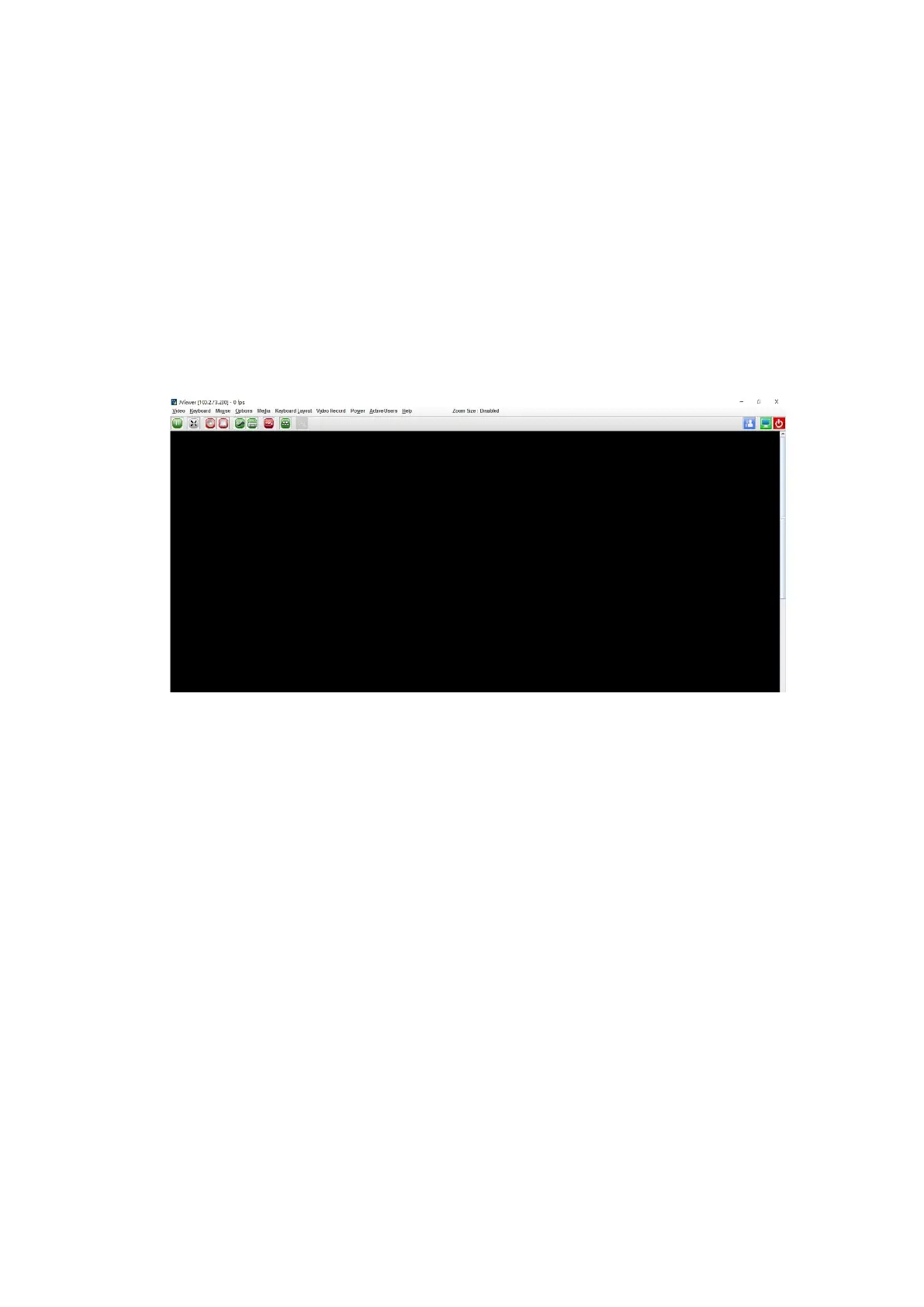
1. Connect to the server remotely via the JViewer console.
Figure 9-1 JViewer Console
2. Mount a local folder.
a. Select Media > Virtual Media Wizard, and then select Hard Disk/USB in
the pop-up dialog box.
b. Select Folder Path and click Browse to select the path to the local folder to
be mounted.
- Select the path to an empty local folder for Image Path.
- Set a size for Size (MB), which should be greater than the file to be
transferred.



 To Next Page