157
Time zone is unavailable in BIOS. We recommend you to set the BIOS time to the
UTC and set the correct time zone in the OS.
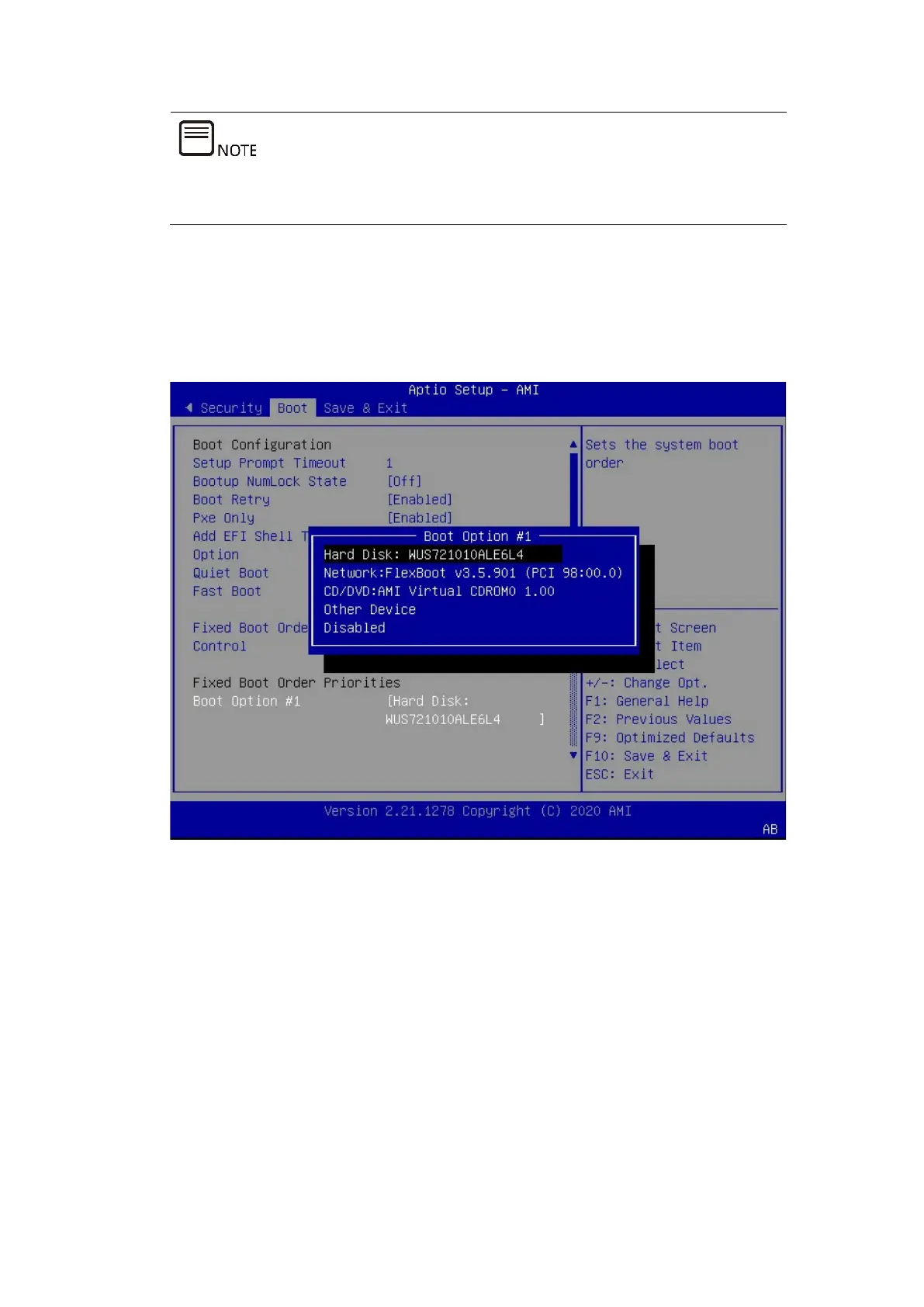
2. Set the boot device.
Go to the Boot tab and select Boot Option #1 to set the boot device.
Figure 7-20 Setting the Boot Device
3. Save the changes and restart the server.
Press <F10>. In the pop-up dialog box, select Yes and press <Enter> to save the
settings and exit the BIOS setup screen. The server restarts, and the settings will
take effect.
7.4 Selecting the BIOS Boot Device
Connect the USB flash drive or CD-ROM with the OS image to the server, and restart
the server. Press <F11> to open the boot menu when you are prompted to press
the hot key in the BIOS, and then select the USB flash drive or CD-ROM marked with
UEFI.



 To Next Page