212
9.3 Configuring the JRE Environment
Java Runtime Environment (JRE) is used to run Java applications. To remotely
connect to the server by using BMC JViewer, you need to prepare the JRE
environment in advance. The JRE that is included in the Java Development Kit (JDK)
can be configured simply by installing the JDK.
Procedure:
1. Download the JDK Installer.
You can download the JDK installer (JDK 1.8 or above is recommended) from the
Oracle official website. The download URL of JDK 1.8 or above is:
https://www.oracle.com/java/technologies/javase/javase-jdk8-downloads.html
.
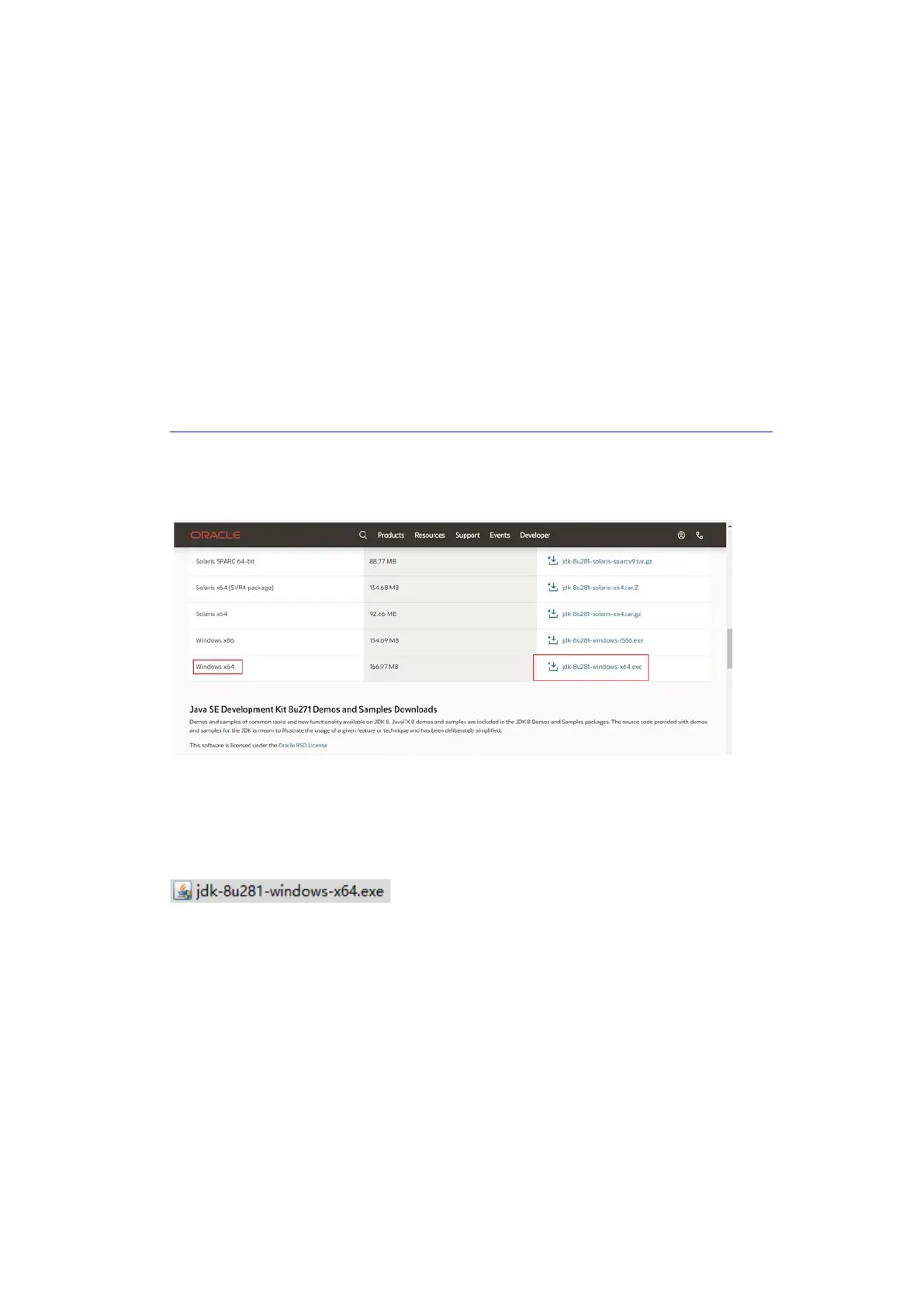
Download the JDK installer applicable for Windows x64, as shown below.
Figure 9-8 Downloading the JDK Installer
The downloaded JDK installer is as follows.
Figure 9-9 JDK Installer
2. Install the JDK.
a. Double-click the JDK installer and click Next.



 To Next Page