11
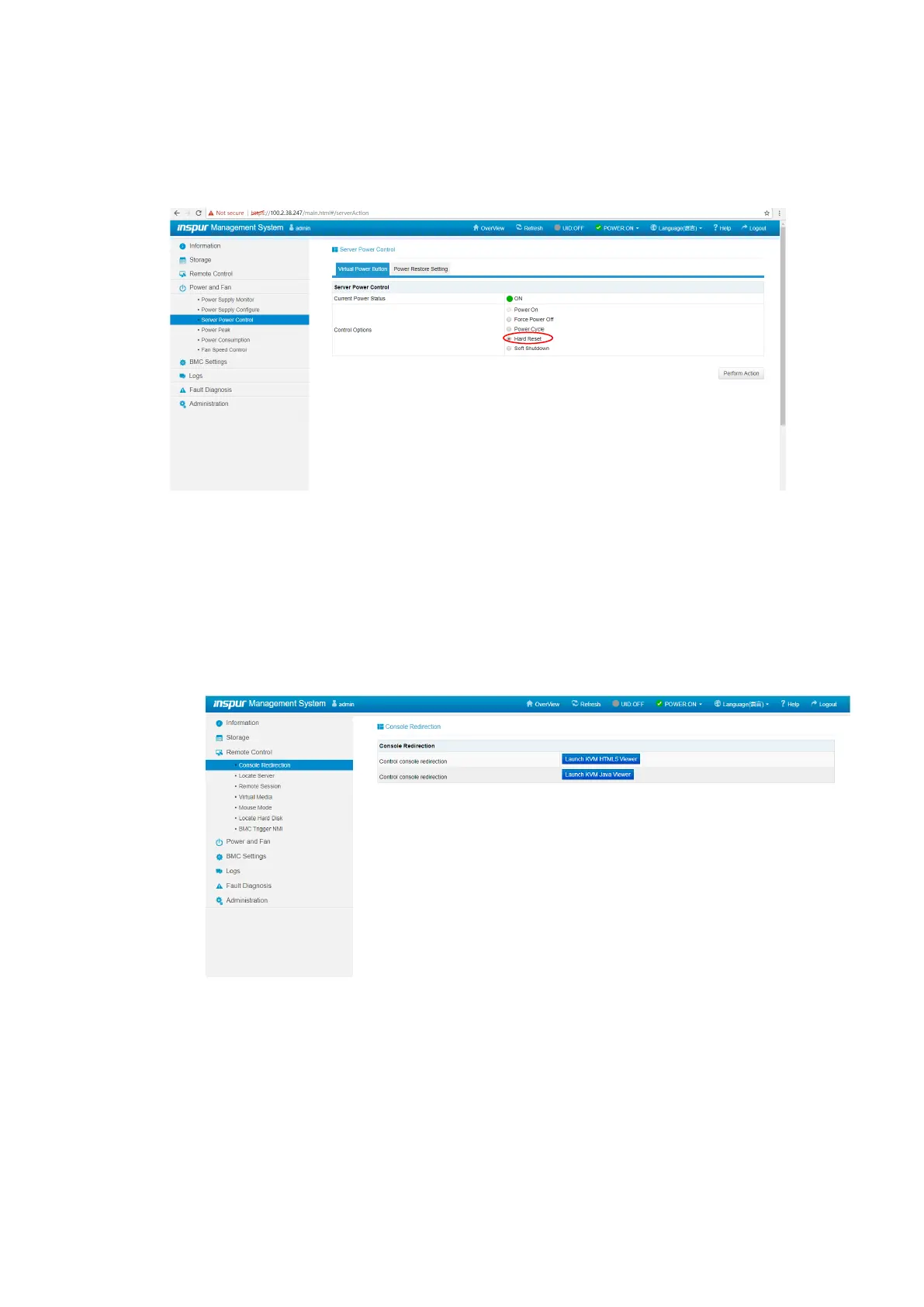
Log in to the target server remotely via the BMC Web GUI, and select Hard Reset in
Server Power Control, as shown below.
Figure 4-7 Server Restart
2. Click Console Redirection and wait for the server to enter the BIOS setup
screen.
a. Click Launch KVM Java Viewer, download the jviewer.jnlp file, and run it
with Java.
Figure 4-8 Console Redirection
b. After the remote connection is established, wait to enter the BIOS setup
screen. The shortcut keys for entering the BIOS vary with platforms. Please
follow the prompt on the screen. When the blue progress bar appears as
shown below, press <Delete> as prompted to enter the BIOS main menu.



 To Next Page