70
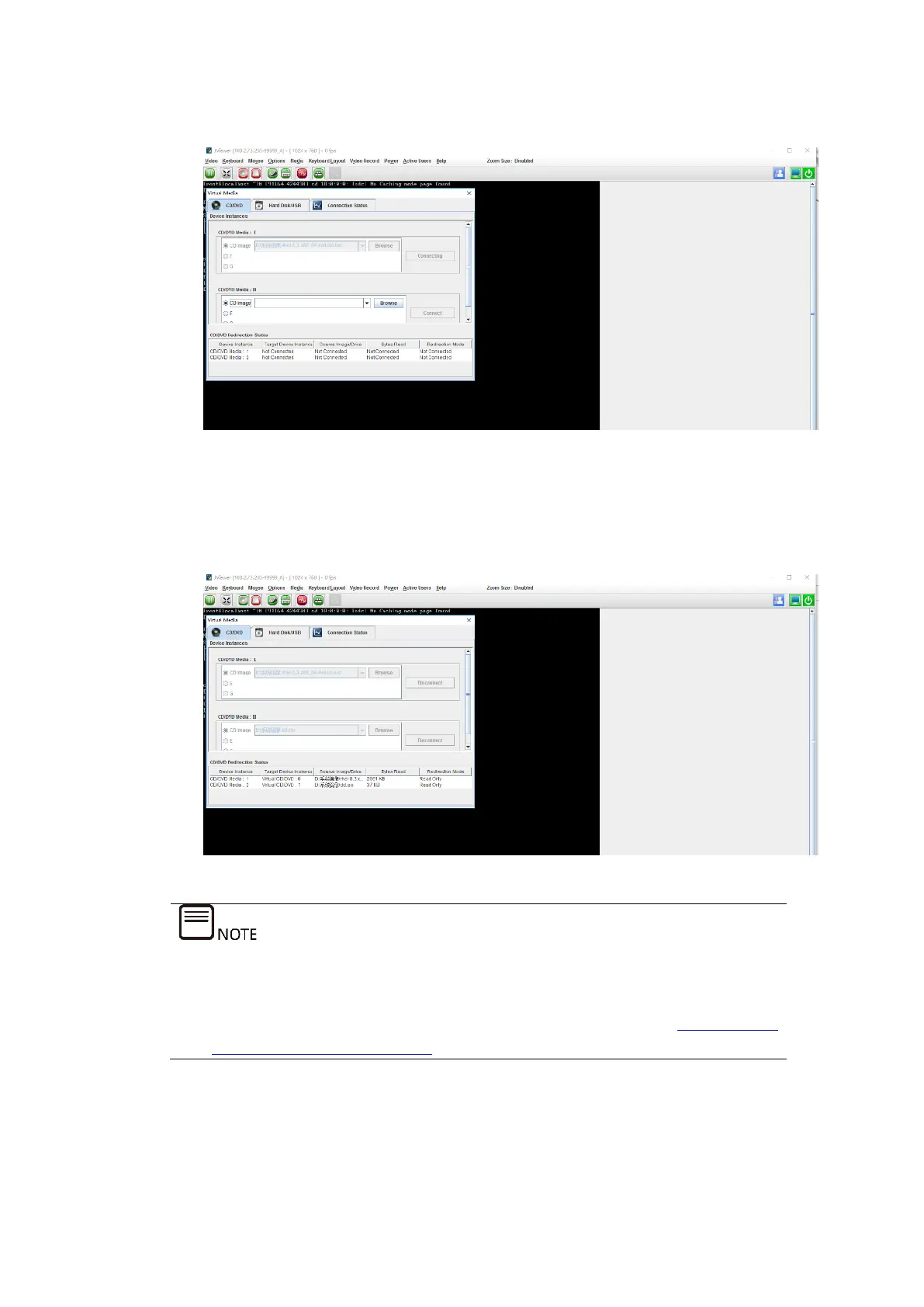
Figure 5-28 Mounting the RHEL 8.3 ISO Image
b. In CD/DVD Media: II, use the same method to mount the dd.iso image of
the RAID controller card driver.
Figure 5-29 Mounting the RAID Controller Card Driver Image
JViewer is used here to connect to the server remotely in order to mount the
image.
If H5Viewer is to be used to connect to the server remotely, see 9.4 M
ounting
a CD Image via BMC H5Viewer for mounting the image.
5. Restart the server.
Log in to the target server remotely via the BMC Web GUI, select Power Supply >



 To Next Page