69
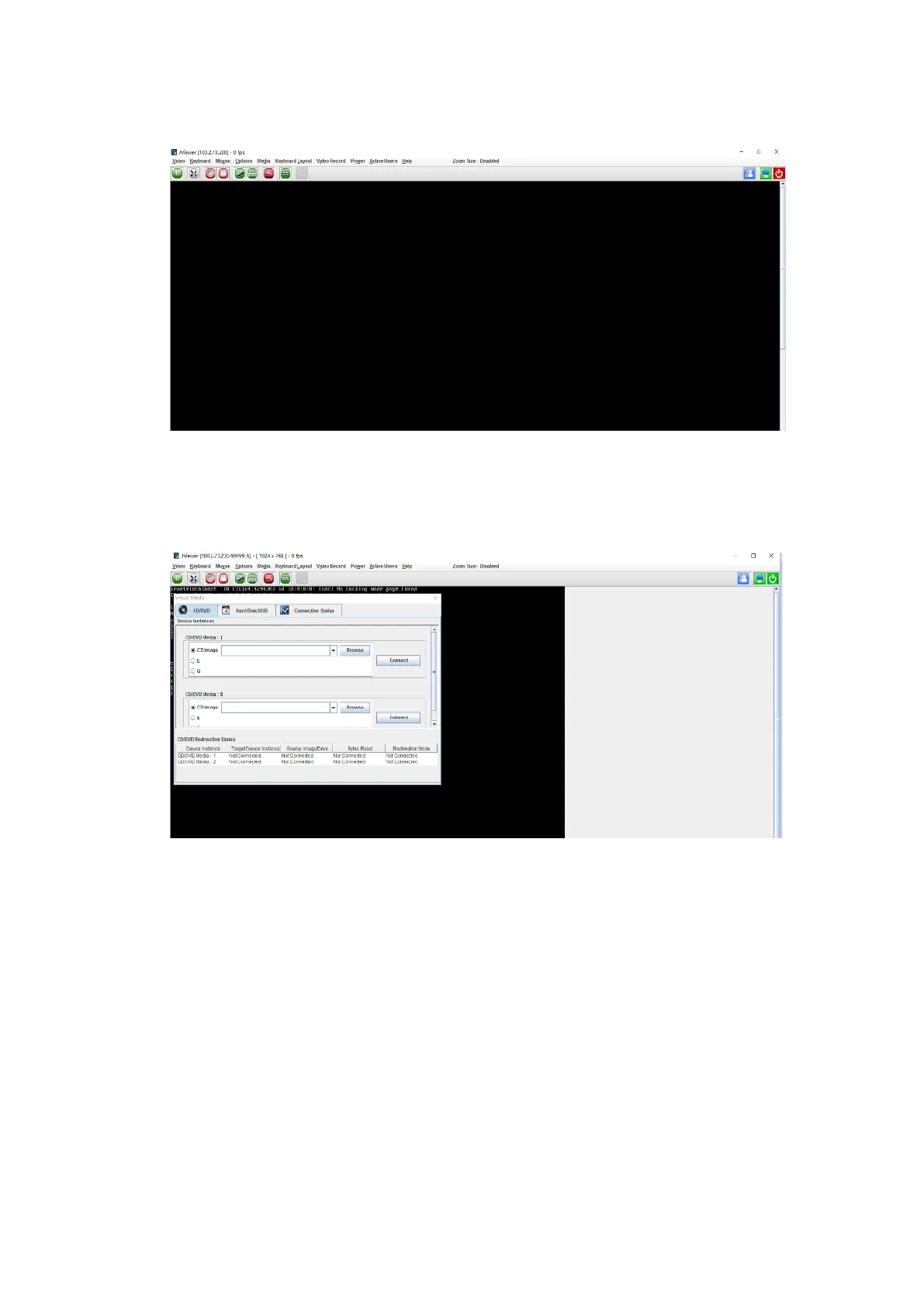
Figure 5-26 JViewer Remote Management Screen
3. Select Media > Virtual Media Wizard.
Figure 5-27 Virtual Media Wizard
4. Mount the RHEL 8.3 image and the RAID controller card driver file.
a. To mount the RHEL 8.3 ISO image in CD/DVD Media: I, select CD image,
click Browse to select the path to the image, and click Connect. When
Connect turns to Disconnect, the image has been mounted.



 To Next Page