145
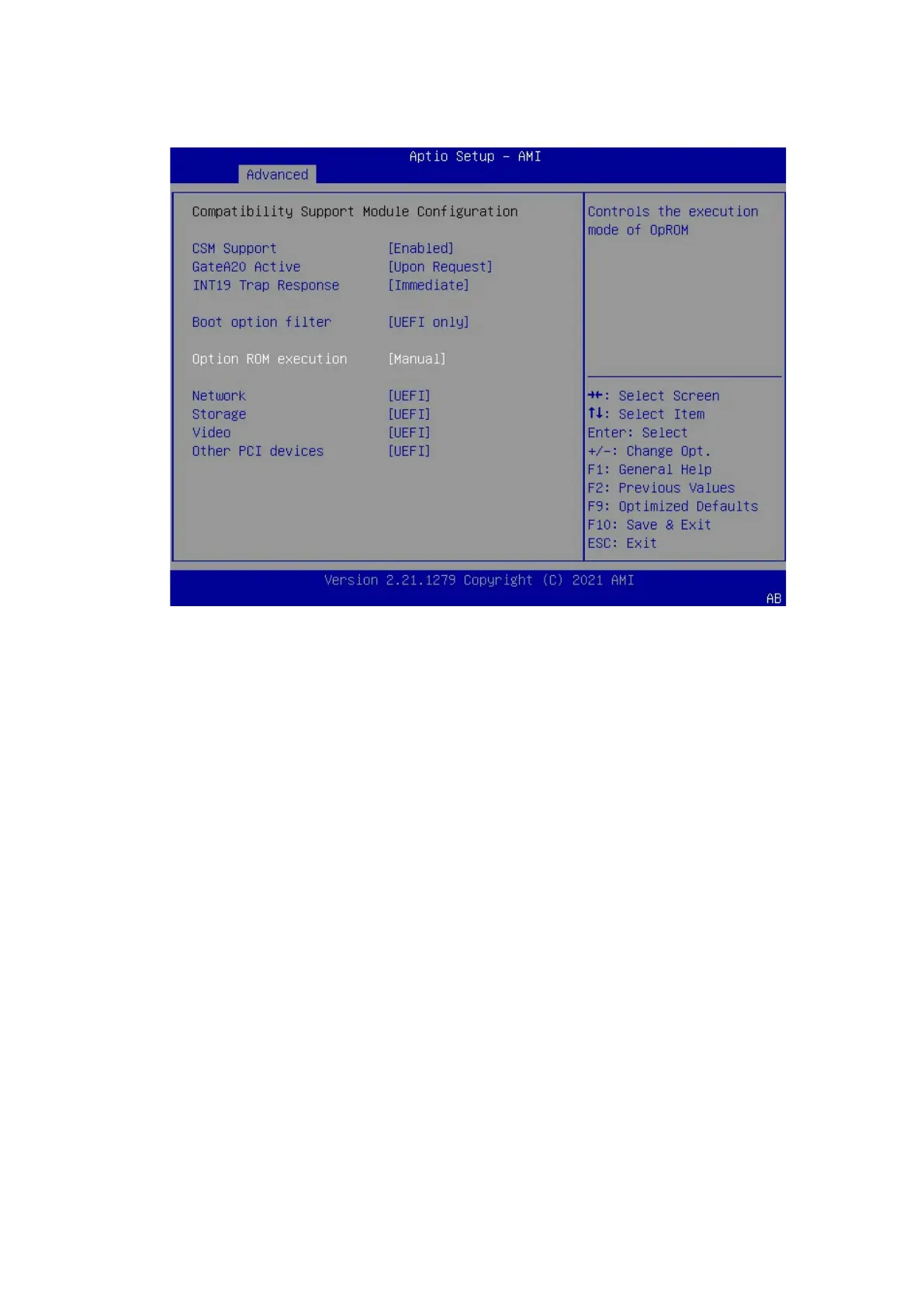
Figure 7-2 Setting Storage to UEFI
3. Press <F10>. In the pop-up dialog box, select Yes and press <Enter> to save
the settings and exit the BIOS setup screen. The server restarts.
4. Enter the BIOS setup screen again, switch to the Advanced tab, select the
AVAGO MegaRAID SAS 9361-8i controller from the RAID controller card list, and
press <Enter>.



 To Next Page