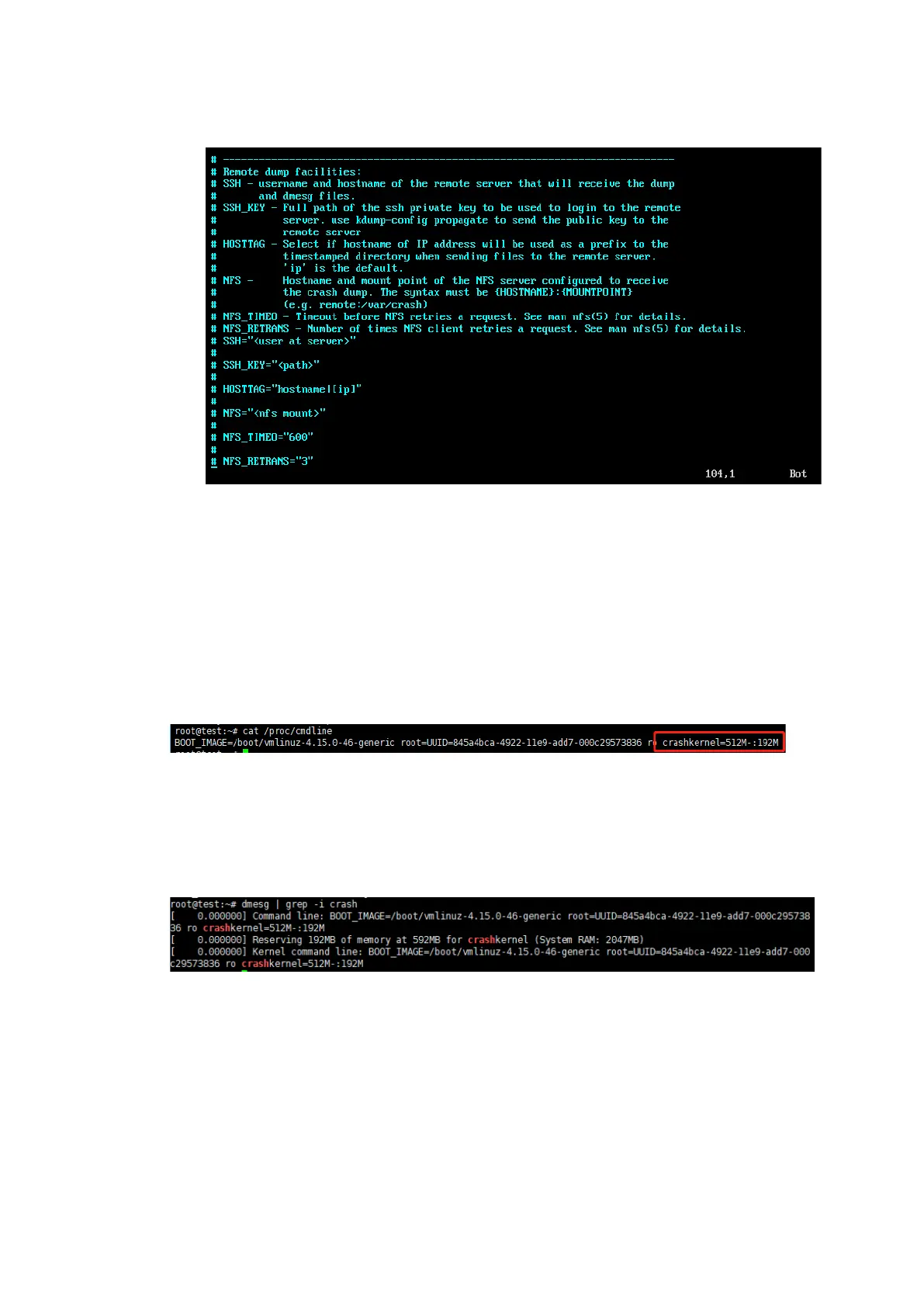
236
Figure 10-31 Modifying the Kdump Configuration - 4
3. Check the kdump status.
To ensure that the kdump mechanism is correctly enabled and configured, you
need to check the following items:
Execute the cat /proc/cmdline command to check that the crashkernel
configuration is included in the boot parameters.
Figure 10-32 Crashkernel Configuration
Execute the dmesg | grep -i crash command to check that the requested
memory portion is reserved for the kdump kernel.
Figure 10-33 Reserved Memory Portion for Kdump Kernel
4. Verify the triggering of Ubuntu kdump.
a. Enable the sysrq mechanism.
# sudo sysctl -w kernel.sysrq=1
b. Execute the #echo c > /proc/sysrq-trigger command.



 To Next Page