246
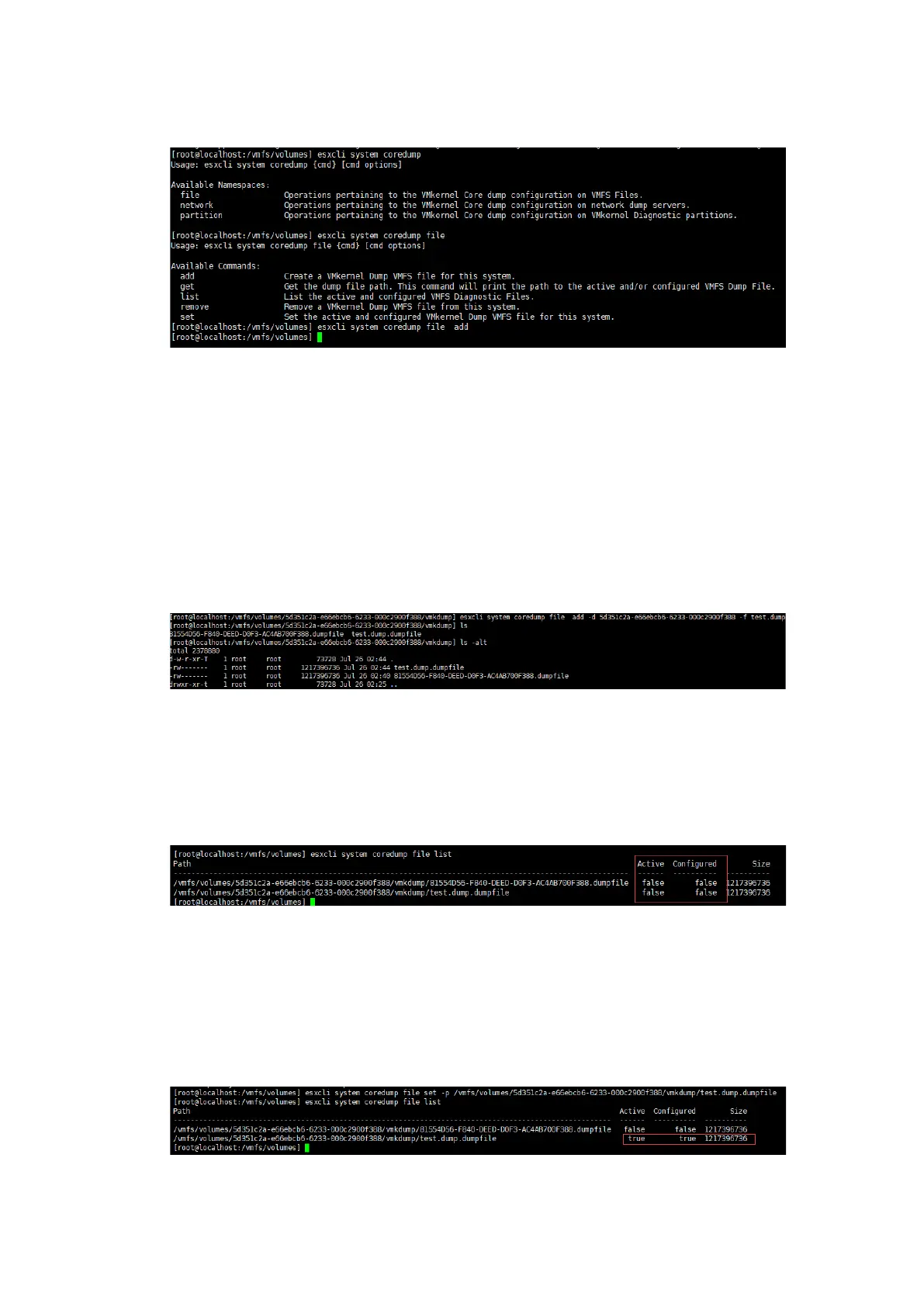
Figure 10-47 Adding a Coredump File
Supplementary information: The command only adds a coredump file, whose file
path and file name are unknown. You can specify the file path and file name by
executing the following commands:
#esxcli system coredump file add -d DATASTORE_UUID -f FILENAME
#esxcli system coredump file add -d 5d351c2a-e66ebcb6-6233-000c2900f388 -f
test.dump
Figure 10-48 Configuring the File Path
2. Check the configured coredump file by executing the following command:
#esxcli system coredump file list
Figure 10-49 Checking the Dump File
3. Activate the configuration.
#esxcli system coredump file set -p /vmfs/volumes/5d351c2a-e66ebcb6-6233-
000c2900f388/vmkdump/test.dump.dumpfile
Figure 10-50 Activating the Configuration



 To Next Page