39
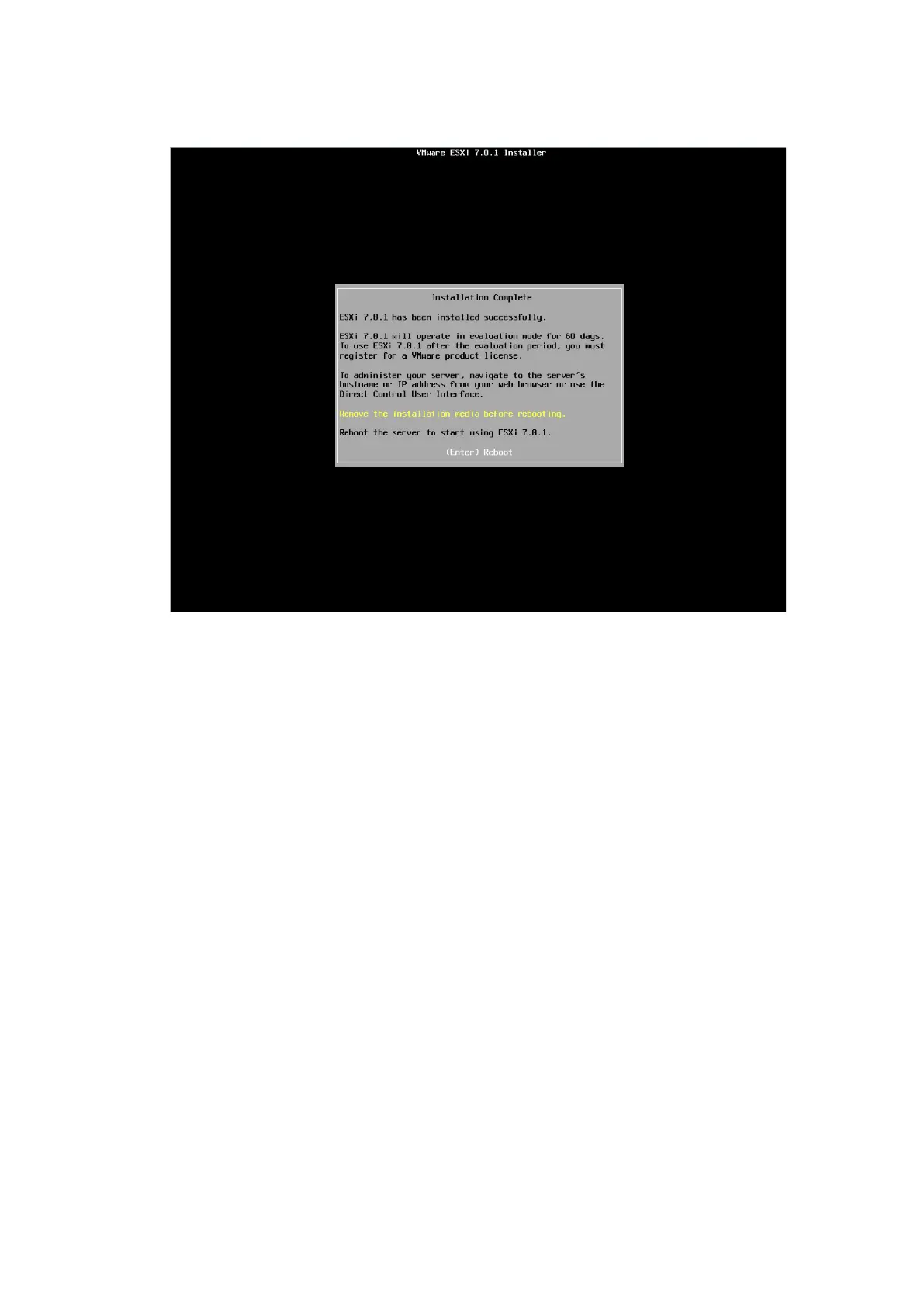
Figure 4-46 Installation Complete Screen
11. Press <F2> on the following system UI management screen after the OS
installation and reboot. Enter the login name and password on the
Authentication Required screen according to the prompt to enter the System
Customization screen, on which the network, SSH, Shell, and other functions
are located.


 To Next Page
 Loading...











