51
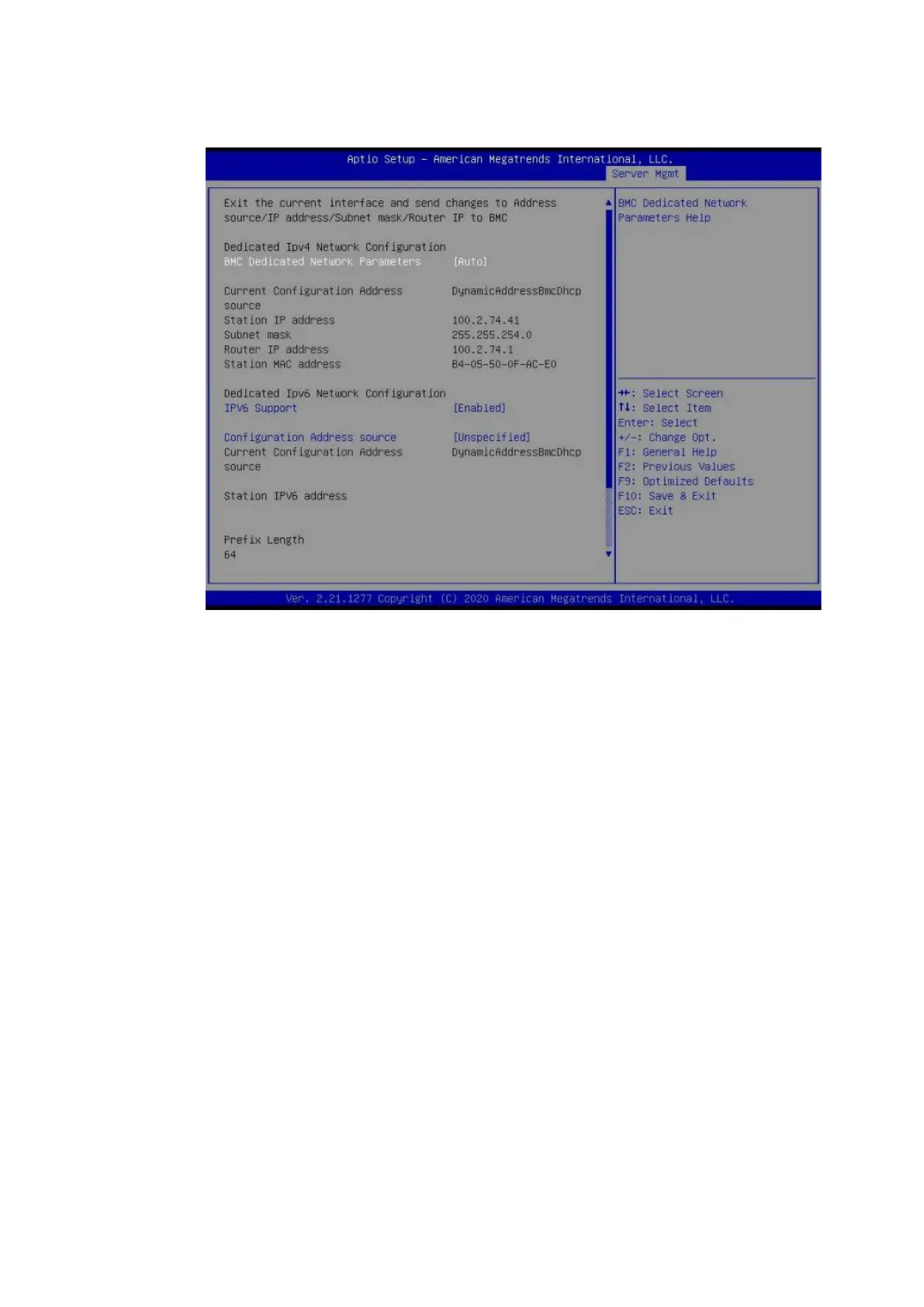
Figure 5-1 BMC IP Information
Configure the IP address manually.
If the DHCP network environment is unavailable, connect the BMC
management network port of the server to the LAN, and manually set the BMC
IP address to a static IP address in the LAN. The procedure is as follows:
a. Set BMC Dedicated Network Parameters to Manual.
b. Address source appears. Set Address source to Static.
c. Then, you can set a BMC static IP address by specifying Station IP address,
Subnet mask, and Router IP address.



 To Next Page