56
If you select JViewer, you need to prepare the JRE environment (with Open
JDK 1.8 or above) in advance. For information on how to configure the JRE
environment, see 9.3 Configuring the JRE Environment.
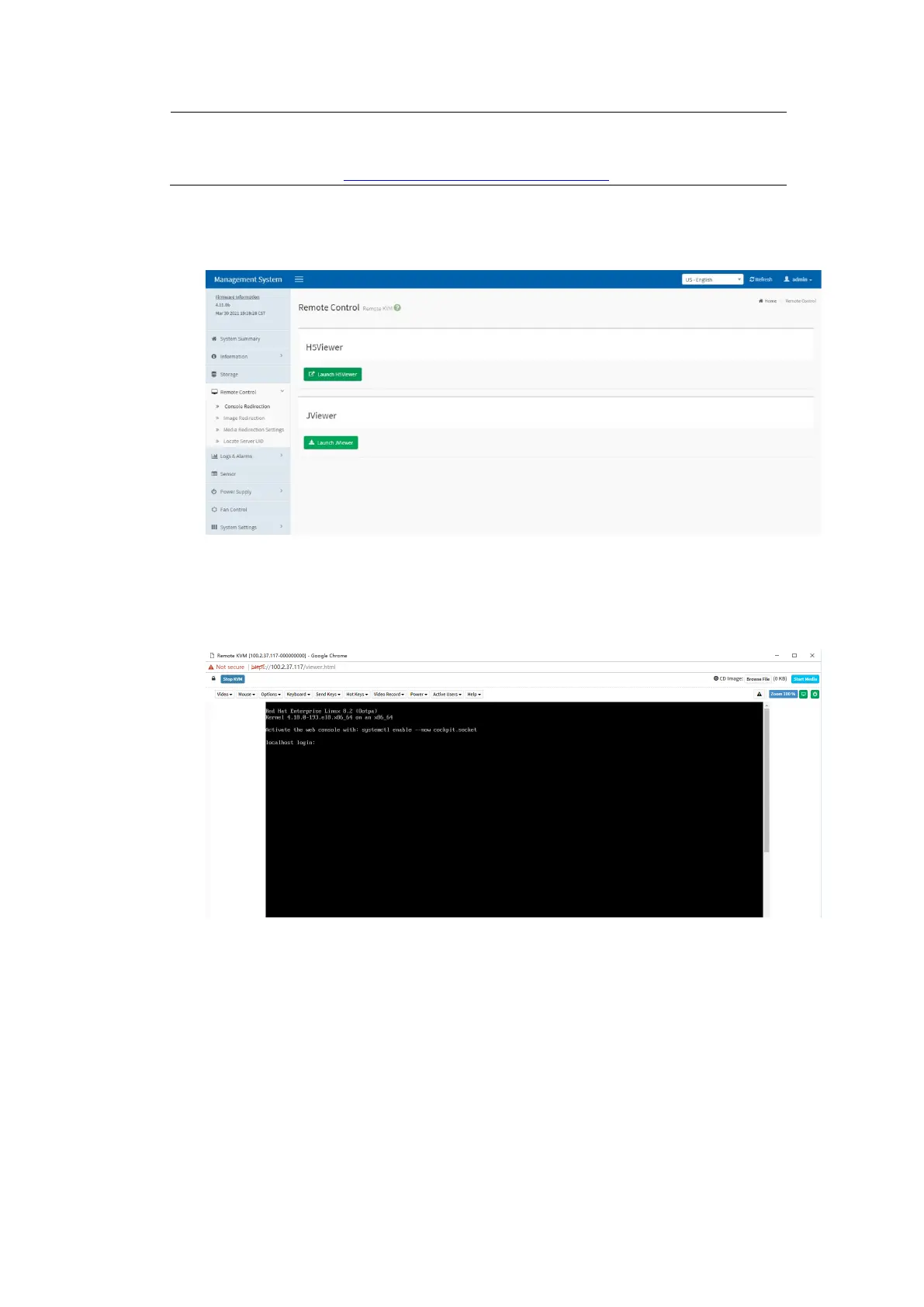
Figure 5-8 Console Redirection
Click Launch H5Viewer to launch the H5Viewer.
Figure 5-9 Launching the H5Viewer
On the Console Redirection screen, click Launch JViewer to download the
jviewer.jnlp (Java Application) file, and run it to enter the remote control
screen.
b. After the remote connection is established, when the white progress bar
appears as shown below, press <Delete> as prompted to enter the BIOS setup
screen.



 To Next Page