78
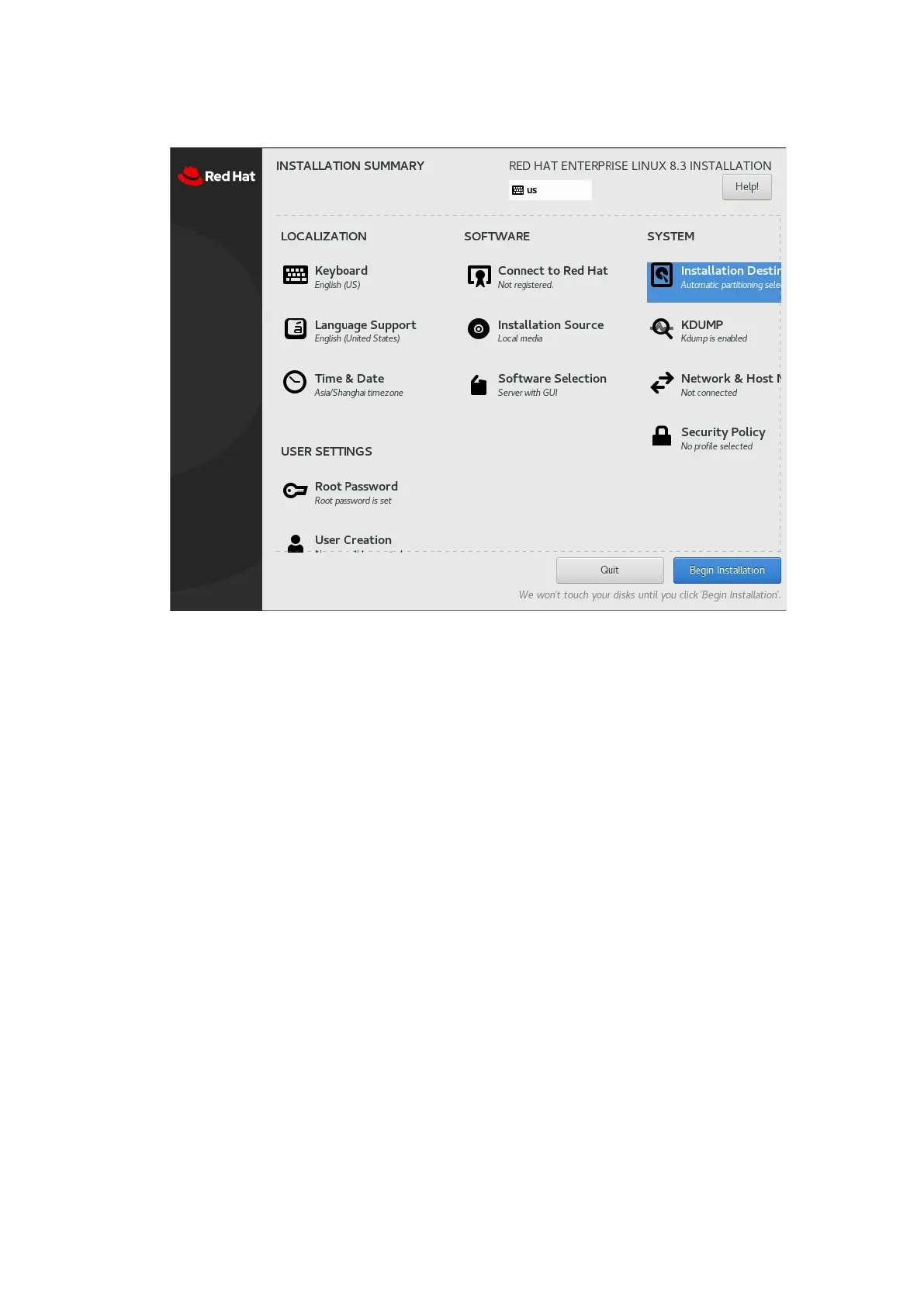
Figure 5-38 Setting the Installation Information
7. Click Installation Destination, select the drive to install the OS to, and create
mount points.
To use default mount points, select Automatic, and click Done to go to step
9.
To create mount points manually, select Custom, and click Done to go to
step 8.



 To Next Page