50
Basic Setup
—Continued
Note:
• This procedure can also be performed by using the
DTR-8.4’s [Setup] button, [ ]/[ ]/[ ]/[ ] but-
tons, and [Enter] button.
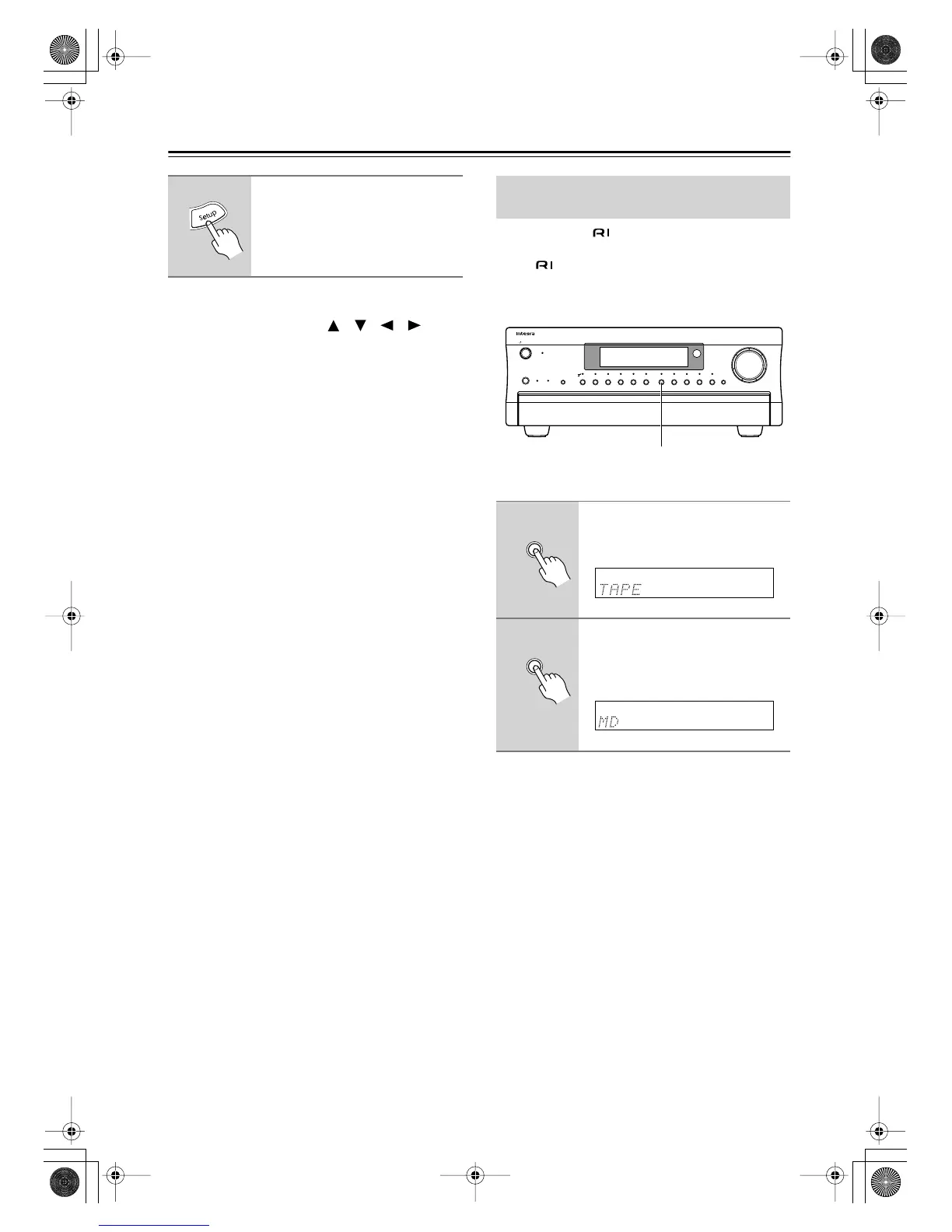
If you connect an -compatible Integra/Onkyo Mini-
Disc recorder to the DTR-8.4’s TAPE IN/OUT sockets,
so that functions such as Auto Power On/Off work
properly, you must change the input source display.
This setting can only be changed on the DTR-8.4.
Note:
•To return to the original setting, while “MD” is being
displayed, press and hold down the [Tape] input selec-
tor button until “TAPE” appears on the display (about
3 seconds).
5
Press the [Setup] button.
The setup menu closes.
Changing the Input Source Display
for Use with a MiniDisc Recorder
1
Press the [Tape] input selector
button so that “TAPE” appears
on the display.
2
Press and hold down the [Tape]
input selector button until “MD”
appears on the display (about 3
seconds).
Display
Audio
Selector
Direct/
Pure Audio
Master Volume
Standby/On
Video 1
Video 3 Tape
Tuner Phono Net AudioCD
DVD
Video 2
VCR 1
VCR 2
Video 4 Video 5
Zone 2
()
GRN
Rec
()
RED
Pure Audio psamplingU
Standby
Push To Open
DTR
-
8.4
1, 2
Tape
Tape
DTR-8.4En.book Page 50 Thursday, October 16, 2003 11:09 AM



 To Next Page