iStorage datAshur® PRO
+
C
User Manual v1.0
25
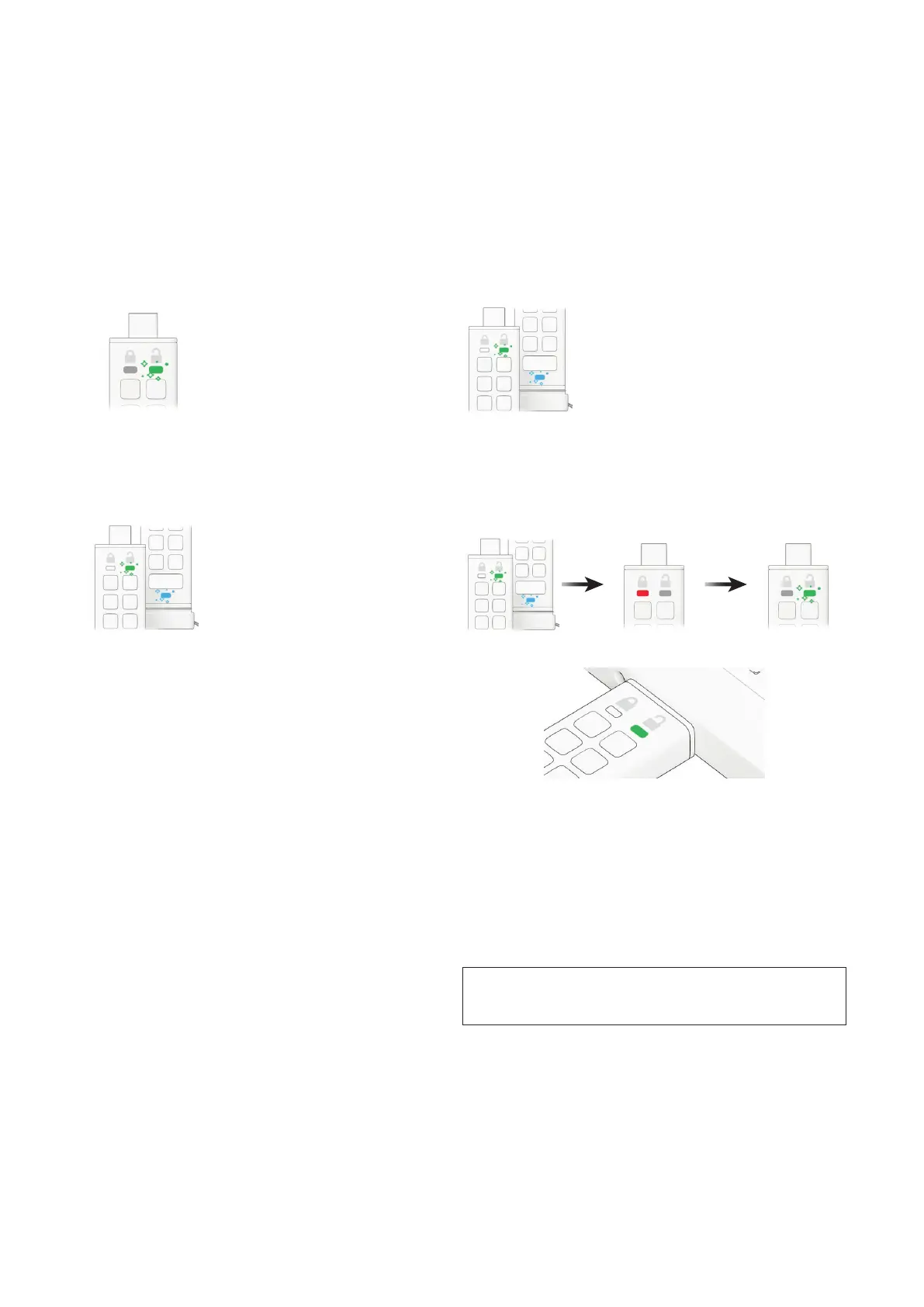
To set the datAshur PRO
+
C to Read/Write, please follow the steps below.
To display the device Version Number of
the datAshur PRO
+
C do the following.
1. Unlock the datAshur PRO
+
C with your Admin PIN
GREEN LED will icker indicating successful Admin PIN entry.
2. Press the KEY button THREE times (triple-click)
GREEN and BLUE LEDs icker together.
4. Press the KEY button once
GREEN and BLUE LEDs change to a solid RED LED and then switches to a ickering
GREEN LED. When the datAshur PRO
+
C is inserted into a USB port the GREEN LED is
solid indicating the datAshur PRO
+
C is Read/Write enabled.
3. Press button number 7 followed by the number 9 button (79)
GREEN and BLUE LEDs continue to icker together.
19. How to determine the device Version
Number in Admin mode
Caution: Entering the Admin PIN to access a locked drive will
clear (delete) the User PIN.















 To Next Page