Command Reference Epic 950 OEM Integration Manual
95-05245 Rev G Page 127
GS V – Set Print Orientation
Description
Causes the printer to print the data stored in the print buffer and then change to the
selected orientation.
See also
GS t – Set Characters per Line in Landscape
Expression
ASCII [GS] V <n>
Hexadecimal 1DH 56H <n>
Decimal <29> <86> <n>
Parameters n = Specifies the orientation and speed/resolution
= 0 Portrait 203 x 203 High Speed
= 1 Landscape 203 x 203 High Speed
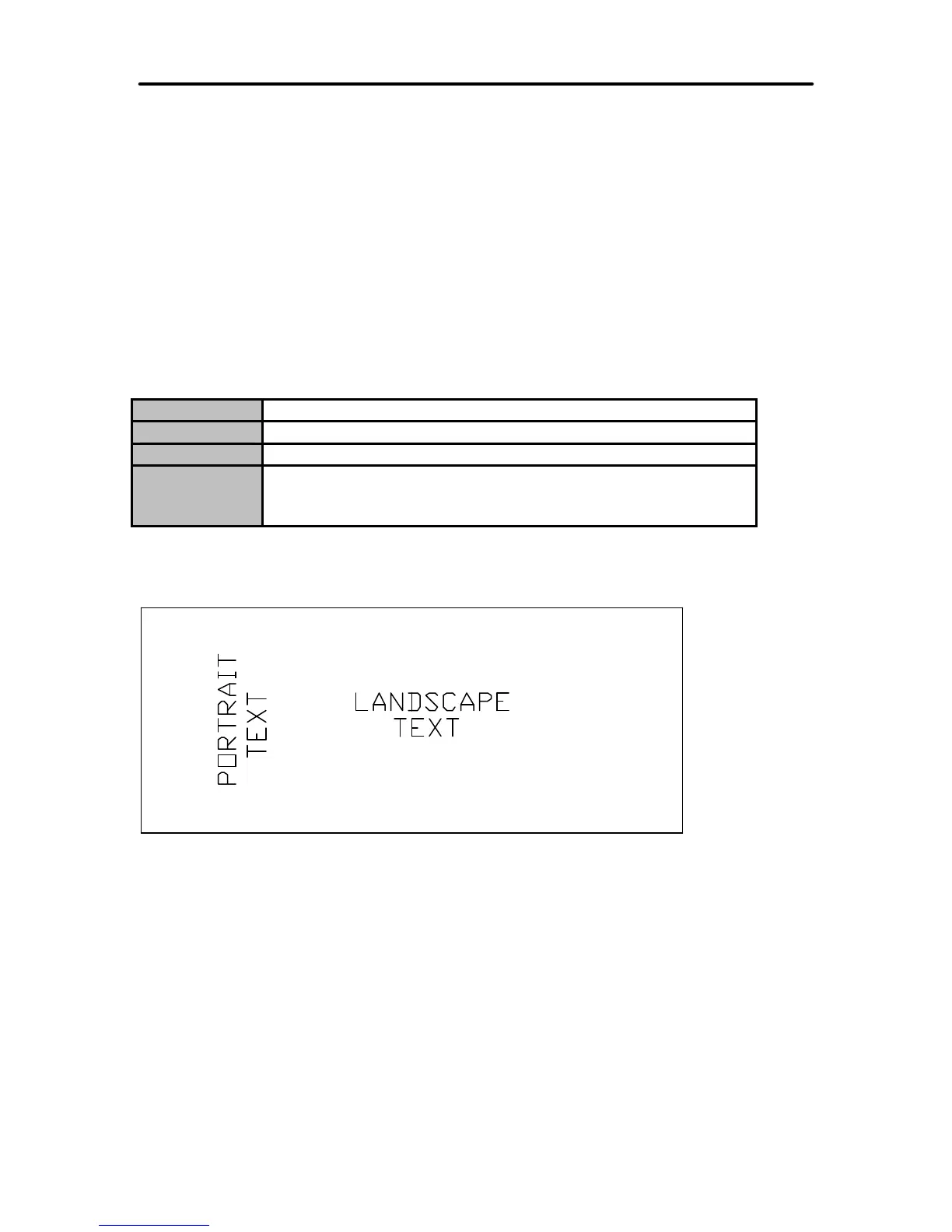
The figure below shows examples of the two different print orientations on a ticket.
INSERT THIS SIDE UP



 To Next Page