Electrical Connections Epic 950 OEM Integration Manual
95-05245 Rev G Page 33
Interface Connections
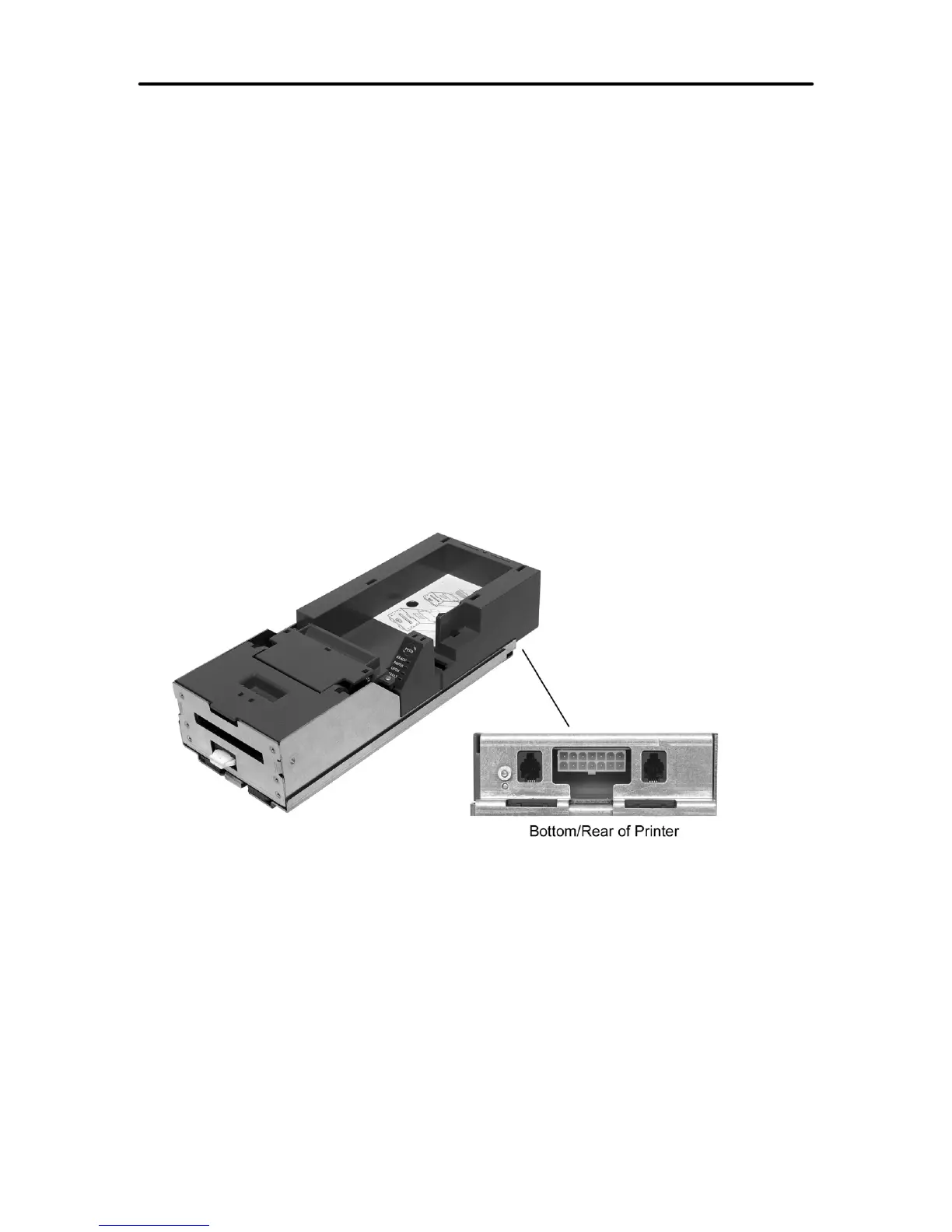
The Epic 950 printer is equipped with one of several communication interface options. In
all cases power and communication connections are made to a connector or
connectors located at the rear of the printer.
1. RS232 Serial
2. USB
3. NETPLEX
4. Universal USB / NETPLEX
5. Dual Port – NETPLEX
6. Dual Port – RS232
Communications interface options 3-6 utilize communications protocols that are
proprietary to specific manufacturers and are subject to licensing requirements. In these
cases only the interface pin connections are described in this manual.
Figure 14. Interface PCB Location (Dual Port RS232 Shown)



 To Next Page