AddingtotheFixtureLibrary Patchingyourlights
3. Make the necessary changes to the fixture. For more information on
configuring features see
Adding to the Fixture Library on page 4-5
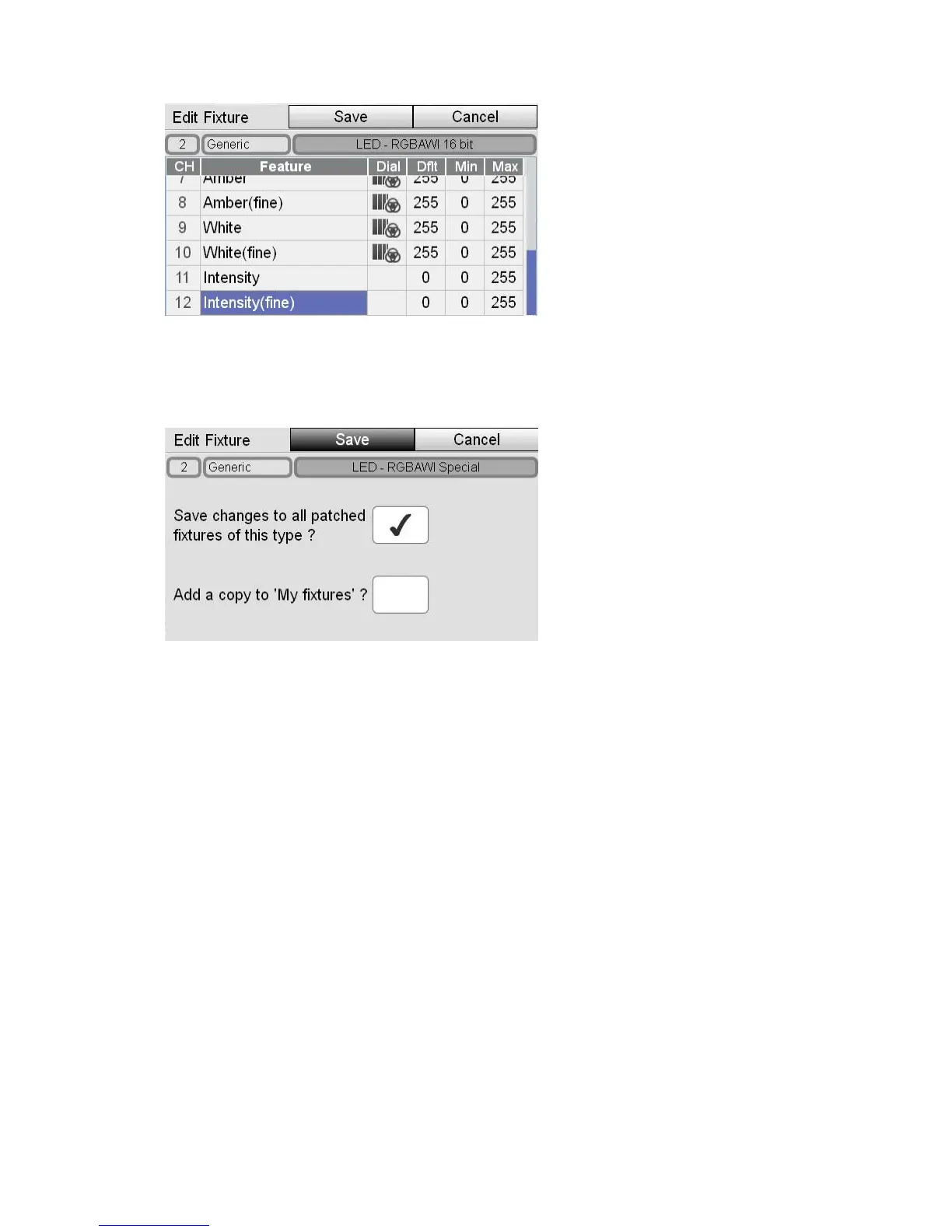
4. Tap the Save button. Stage CL opens the Save window:
5. To save the changes to all patched fixtures of the type you are editing tick the
corresponding box.
6. To save a copy of the changed fixture to the ‘My Fixtures’ folder tick the
corresponding box.
7. To save the changes to just the one fixture, don’t tick either box
8. Tap the Save button
4‐8 StageCLUserGuide,Version1.3



 To Next Page