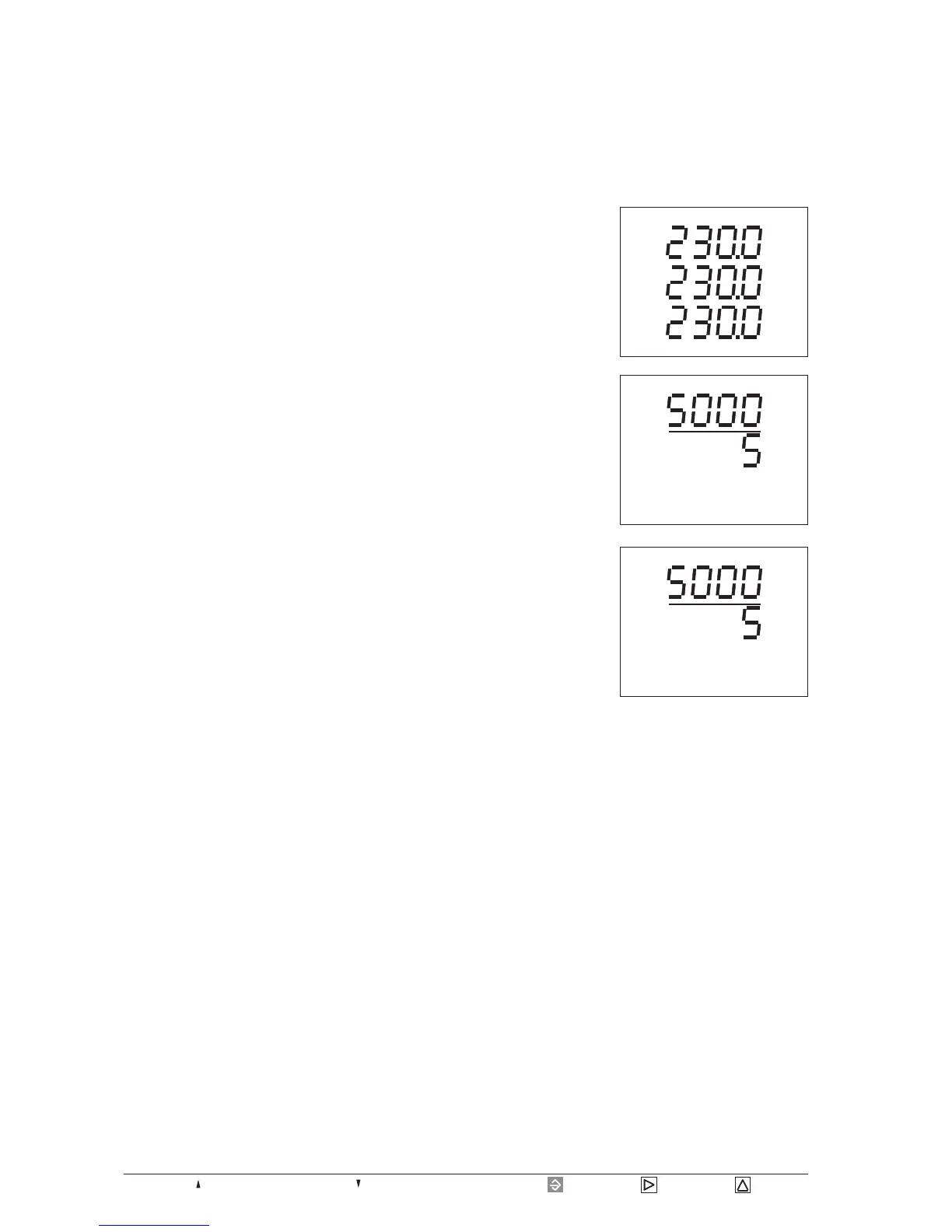
Page 36 = Key 1 = Key 2 = Key 3= Maximum or consumption = Minimum or supply.
Configuration
In configuration menu CONF the required settings are
noted for operating the UMG503 (see also "Table of
configuration data"). When the device is delivered, these
settings are not protected and can be changed. An
unintended change of the settings can be avoided using a
password.
The following settings can be read out and changed:
Confirm the selection
of the menu CONF
using key 2.
The text SELECT dis-
appears.
Now you are in the
menu CONF, and the
settings of the current
transformer are indica-
ted.
V
V
V
L3
L1
L2
SELECT
Press key 1.
The flashing text SE-
LECT appears in the
indication.
Press key 1 again.
Now you are in the
menu CONF.
A
A
SELECT CT
CONF
A
A
CT
CONF
To jump from a measured value indication, in this example
the indication of voltage, to the menu CONF, please
proceed as follows:
Current transformer
Voltage transformer
Interfaces
RS485 interface (option)
RS232 interface (option)
Infrared interface (option)
Device address
Data recording
Limit group 1 (Option)
Limit group 2 (Option)
Three wire measurement (Option)
Scanning frequency
Measured value rotation
Analogue output (Option)
Pulse output (Option)
Event memory
Auxiliary input (Option)
Tariff change over, real energy consumption
Tariff change over, reactive energy inductive
Tariff change over, reactive energy capacitive
Clock
summer-/wintertime
Software Release
Serial number
LCD contrast
Password






 To Next Page