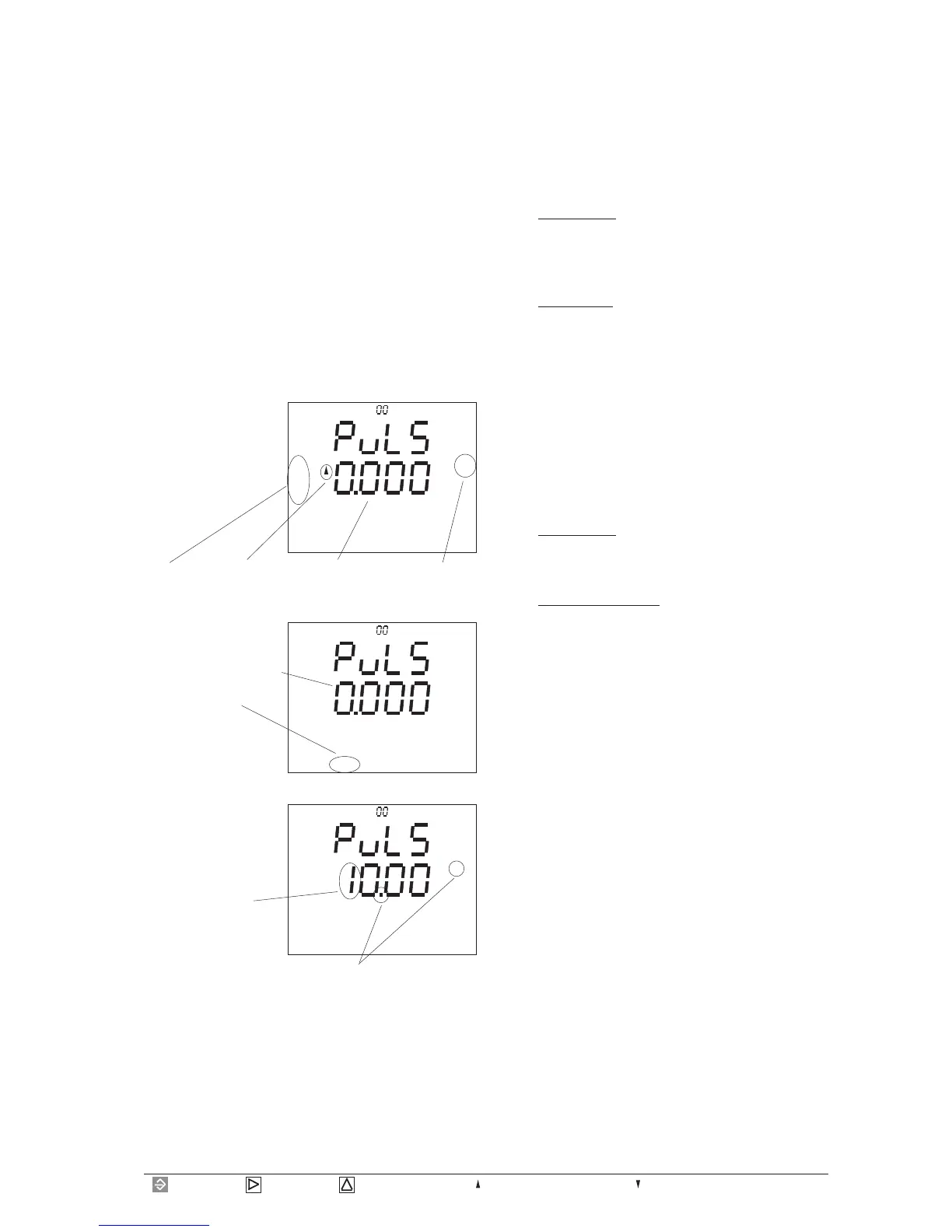
Page 55= Key 1 = Key 2 = Key 3 = Maximum or consumption = Minimum or supply
kWh
L1
L2
L3
EDIT CONF
T
Set pulse valency
The pulses from the UMG 503 can be assigned to certain
work. The energy per pulse is given as pulse valency Iw
in Wh/puls.
Iw =energy/pulse
The pulse valency must not be confused with a meter
constant. The meter constant is given in revolutions per
kWh.
The connection between pulse valency and meter constant
can be seen in the following correlations:
meter constant = 1/pulse valency
pulse valency = 1/meter constant
Example: Pulse valency
The pulse valency Iw should be destined for a three
phase network with connected consumers of maximum
P=400kW.
In one hour, a maximum work A of:
A = P * t (t = 1Stunde)
A = 400kW *1h
A = 400kWh can be consumed.
This means a pulse valency Iw of
Iw = A/pulse
Iw = 400kWh/pulse
Iw = 400kW
This means, that the pulse valency Iw must be set equal
or higher than 400kW at the UMG 503.
Example: Maximum power
A pulse collecting device can only manage a pulse valency
of 9999Wh/pulse.
What power can be transmitted at maximum?
Iw = A/pulse
The work A can be calculated with:
A = Iw * pulse
A = 9999Wh/pulss * pulse
A = 9999Wh
This means a pulse valency Iw of
Iw = A/pulse
Iw = 9999Wh/pulse,
which must be set at the UMG 503.
Pulse valency
Iw=0,000Wh/pulse
Real energy
Sum Consumption
In the menu CONF
scroll to indication of
the pulse output with
key 3.
Wh
L1
L2
L3
CONF
T
Confirm selection with
key 1.
The middle indication
flashes and the text
EDIT appears.
Press key 1 again, and
the first digit flashes.
Wh
L1
L2
L3
EDIT CONF
T
Using key 1, you switch
to the next digit.
With key 3 the number
will be changed.
With key 2, the decimal
point is moved.
Change with key 2 .
To leave the menu, press key 1 so often until the text
EDIT disappears. Pressing key 3 you switch to the next
menu.

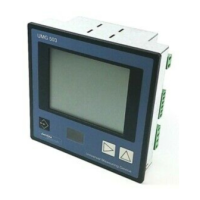


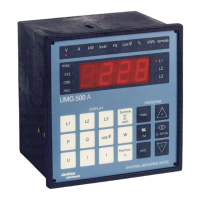

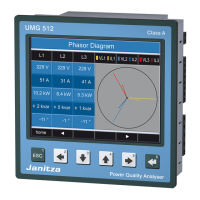




 To Next Page