Page 41= Key 1 = Key 2 = Key 3 = Maximum or consumption = Minimum or supply
Device address
If several devices are connected via the RS485 interface,
a master device (PC, PLC) can distinguish them by the
device address only. Therefore each UMG 503 must have
another device address.
Device addresses can be given from 0 to 255.
Attention!
With PROFIBUS DP protocol device addresses from 0
to 126 are managed.
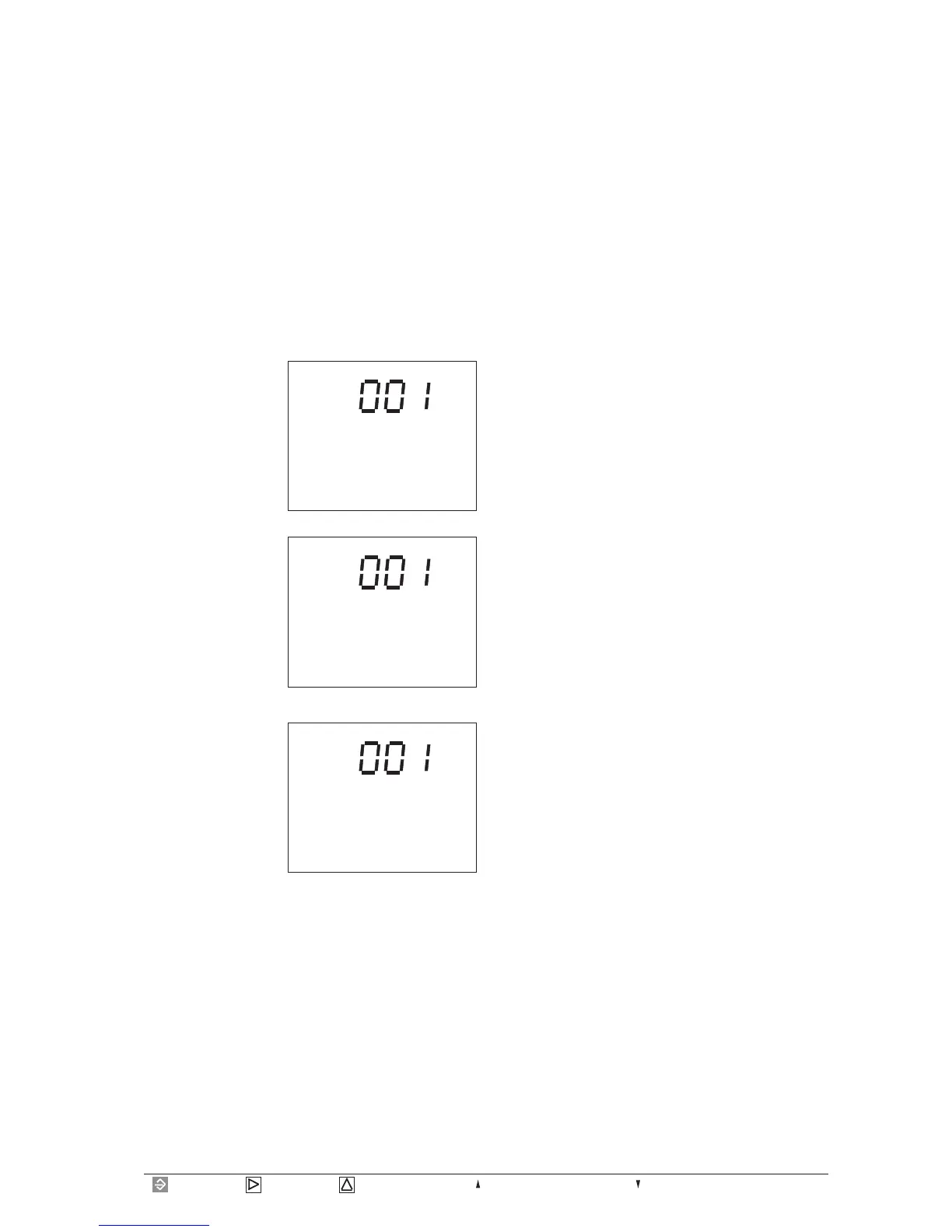
ADDR
CONF
Select
In menu CONF you
move to indication of
device address using
key 3.
In this example the
factory's presetting is
indicated as "1".
Change
With key 1 a number of
the device address can
be selected and be
changed using key 3.
The selected number is
flashing.
ADDR
EDIT CONF
The set device address can be called and changed in
menu CONF. Please move to menu CONF (See chapter
"configuration").
Save
If you have set the
desired device address,
please use key 1 as often
as no number is
flashing any longer.
Pressing key 2, the text
EDITdisappears, and
the indicated device
address will be saved.
ADDR
CONF








 To Next Page