COMPLEX RADIO CONTROL SYSTEM
3. Bind the transmitter with the receiver.
2. Create a new model in the transmitter as usual. The individual
channels of the transmitter should correspond with the outputs
on the receiver.
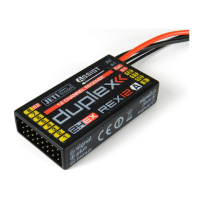
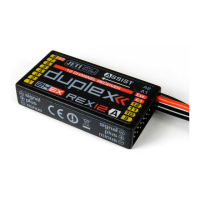
1. Place the receiver in the model according to the "Installation in
the model" chapter.
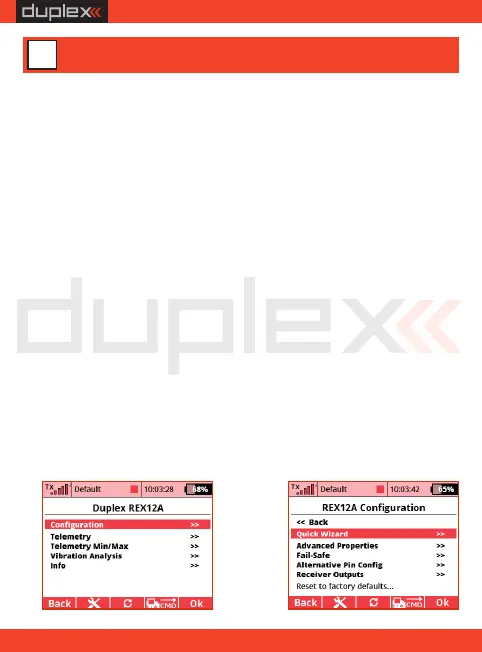
5. Now go to the receiver configuration – either through the DC/DS
menu (Model -> Device Explorer) or via your PC (see chapter a)
Configuring the Receiver with PC).
4. For the model, set its subtrims, dual rates and expos according to
the recommended values. Do not set up advanced mixes or
change the servo path using servo balancer.
6. Run the stabilisation setup wizard (Configuration -> Quick b)
Wizard ) . On the first screen, enter the "Airplane Assist" option
and go to the next page with the "Next" link.
From production the REX Assist receivers behave as standard
receivers and stabilisation is not active by default. This can be used
4.1. Airplane
to set up an airplane model - the initial procedure is similar:
4 Quick setup
EN
a)
b)
10


 To Next Page