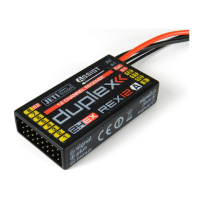
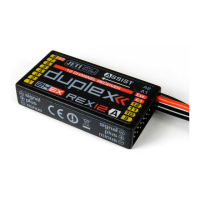
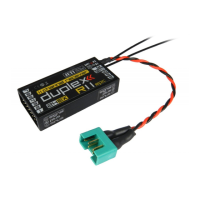
COMPLEX RADIO CONTROL SYSTEM
9.1. General
After binding the receiver, it is not possible to configure it using
the DC/DS transmitter. But the Device Explorer screen displays
the correct name (e.g. REX12A).
Check the transmitter version (minimum version supporting the
REX A receiver is 4.24). Also, make sure that in the Devices folder at
your transmitter contains files which match the receiver name and
its language version: "REX12A.BIN", "RX12AEN.BIN", "RX12ACZ.BIN"
etc. If these files are not located in the folder, please download the
latest configuration files for the receivers from www.jetimodel.com.
These files are also a standard part of the transmitter update.
9.2. Airplane models
1. At high speed and straight flight, the model oscillates in one
of the axes (e.g. ailerons).
Increase the Hold value for the elevator or rudder axis in the
receiver settings „Configuration/Airplane Settings” menu.
Reduce the Gain value for that axis in the receiver settings
„Configuration/Airplane Settings” menu.
In this mode, it is not possible to use trims as they distort the
input information for stabilisation. Switch to Normal mode (or
deactivate stabilisation if necessary), trim the model in straight
3. In Heading Hold mode, the model does not hold a straight
flight and constantly turns to one side.
2. In Heading Hold mode, the model does not hold its direction.
EN
48
9 Solving the most common problems


 To Next Page