COMPLEX RADIO CONTROL SYSTEM
10.1. Update the receiver
5. Connect the Ext. of the receiver to the USB adapter.
7 . A f t e r t h e u p d a t e i s
complete, disconnect the receiver.
3. Start the JETI Studio program on the PC and select the correct
serial port for communication (COM port).
Procedure:
1. Disconnect all devices from the receiver (sensors, servos, etc.).
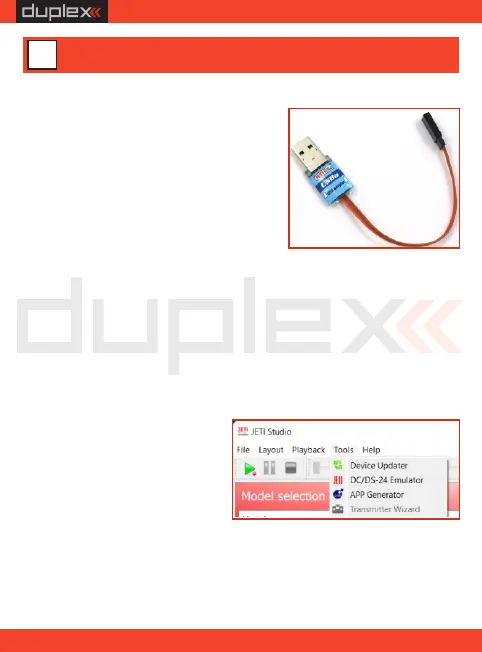
4. Open the "Device Update" dialog window.
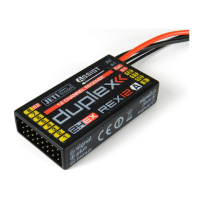
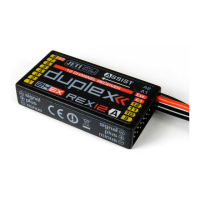
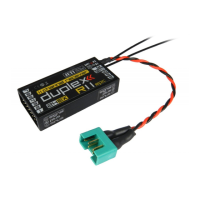
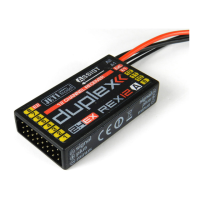
REX A receivers can be updated and
configured by PC via JETI USB Adapter.
The JETI Studio software is intended for
all stand a rd updates – you can
dow nlo ad it f rom ou r we bs i te:
www.jetimodel.com
6. The program identifies the
connec ted device and
offers the exact update.
Select the firmware version
and click the "Update"
button.
2. Connect the USB adapter to the PC.
EN
51
USB adapter
10 Receiver update and configuration


 To Next Page