COMPLEX RADIO CONTROL SYSTEM
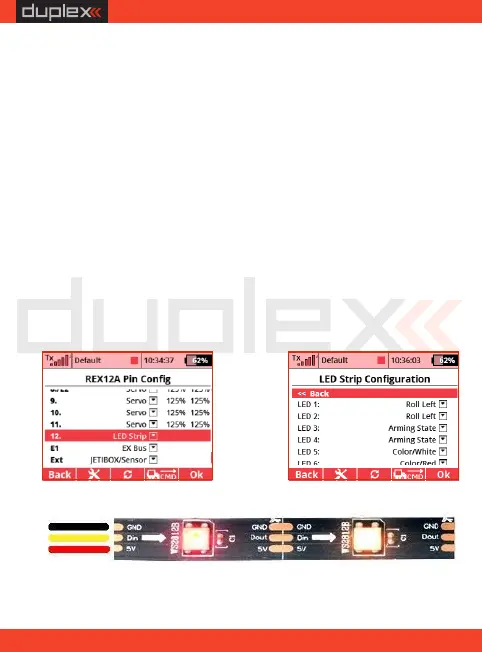
The connection of LED strip itself is simple, you can connect the
three-core cable terminated with the JR connector on the input
side of the strip (with the pad marked Din). This connector is then
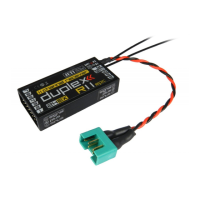
plugged into a dedicated port in the receiver.
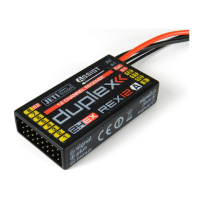
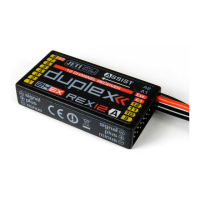
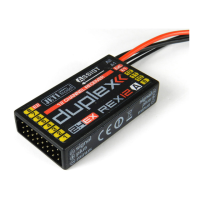
The REX A receivers support the connection of an external LED strip
consisting of up to 32 programmable RGB LEDs of the WS2812
type. A single receiver port is dedicated to the strip, which must first
be configured to enable the strip. In the „Configuration/Alternative
Pin Configuration” menu, select the dedicated output pin and
switch it to "LED Strip" configuration. The "LED Strip Settings" link
then appears in the receiver configuration, allowing you to change
the colors and functions of the individual LED chips.
5.4. Connecting an external LED strip
EN
33


 To Next Page