COMPLEX RADIO CONTROL SYSTEM
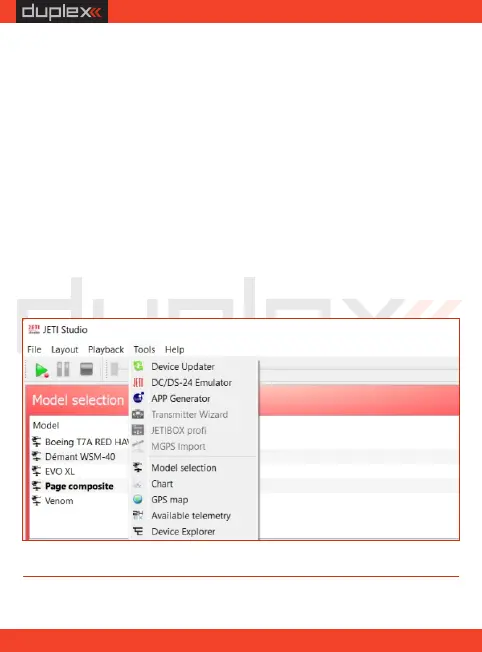
2. In JETI Studio, choose the Device Explorer tool. The receiver
should be detected and displayed after a moment. By double
clicking you can now enter its configuration.
10.2. Configuring the receiver via a PC
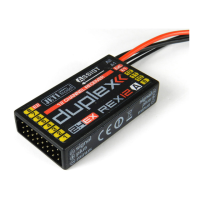
With the JETI Studio program, it's possible to configure the receiver
without a Duplex DC/DS transmitters, for example, if you use the
Duplex Tx module in a transmitter from another manufacturer.
1. Connect the receiver via its Ext. port to the USB Adapter and then
to the computer. If the receiver is powered through a USB Adapter,
make sure that all servos and sensors are disconnected.
EN
52


 To Next Page