FX-1/FX-1R Maintenance Manual
13-11. HOD
13-11-1. Adjusting the light quantity of the HOD LCD
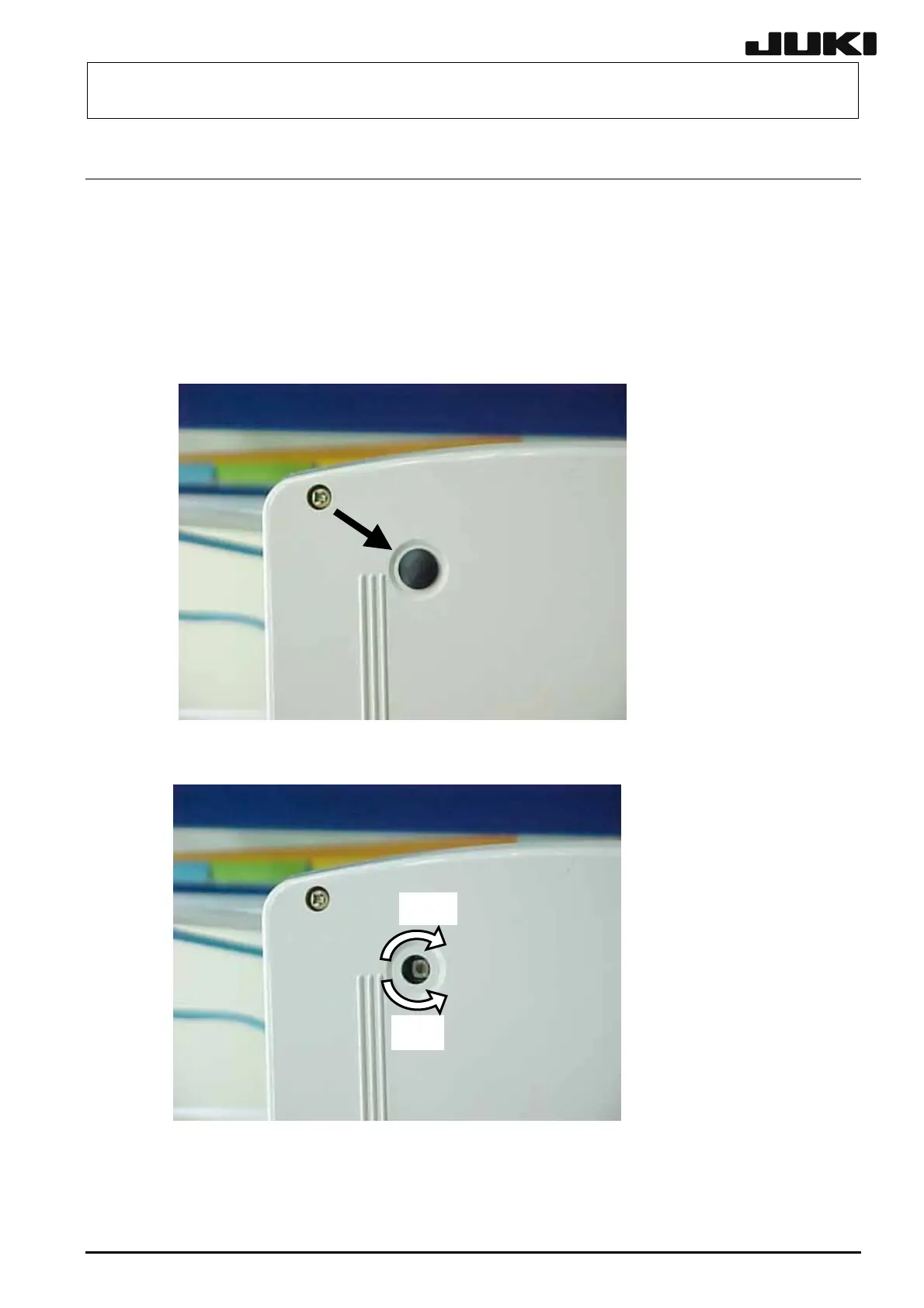
The brightness can be adjusted using the volume knob for adjustment of the light quantity located on
the rear.
If the HOD LCD becomes dark as it is used for an extended period of time or if the HOD LCD is
difficult to read due to adverse effect of the external light, adjust the brightness correctly.
(1) Detach the protective cap.
(2) ight s. Turn the volume knob with a precision screwdriver to adjust the br nes
(3) After the adjustment has been completed, reattach the protective cap.
Bright.
Dark.
13-45
Rev. 2.00



 To Next Page
 Loading...




