33
6 Profile program start
6.1 Instant start of program
The program is started with the program no. that was selected under Program
start➜Program number.
h Start program with
A
h Cancel current program with A
A program can also be selected, started and cancelled via the logic functions.
The logic function “program selection” has priority over the settings at the
“program start” level.
6.2 Delayed start of program
Two options are available for starting a program at a specific time:
Real-time clock
active
1. With active real-time clock, by entering the start time and start day.
Real-time clock
inactive
2. With inactive real-time clock, by entering the delay time.
v Chapter 8 “Operating level”
Start/Cancel
delay of
program start
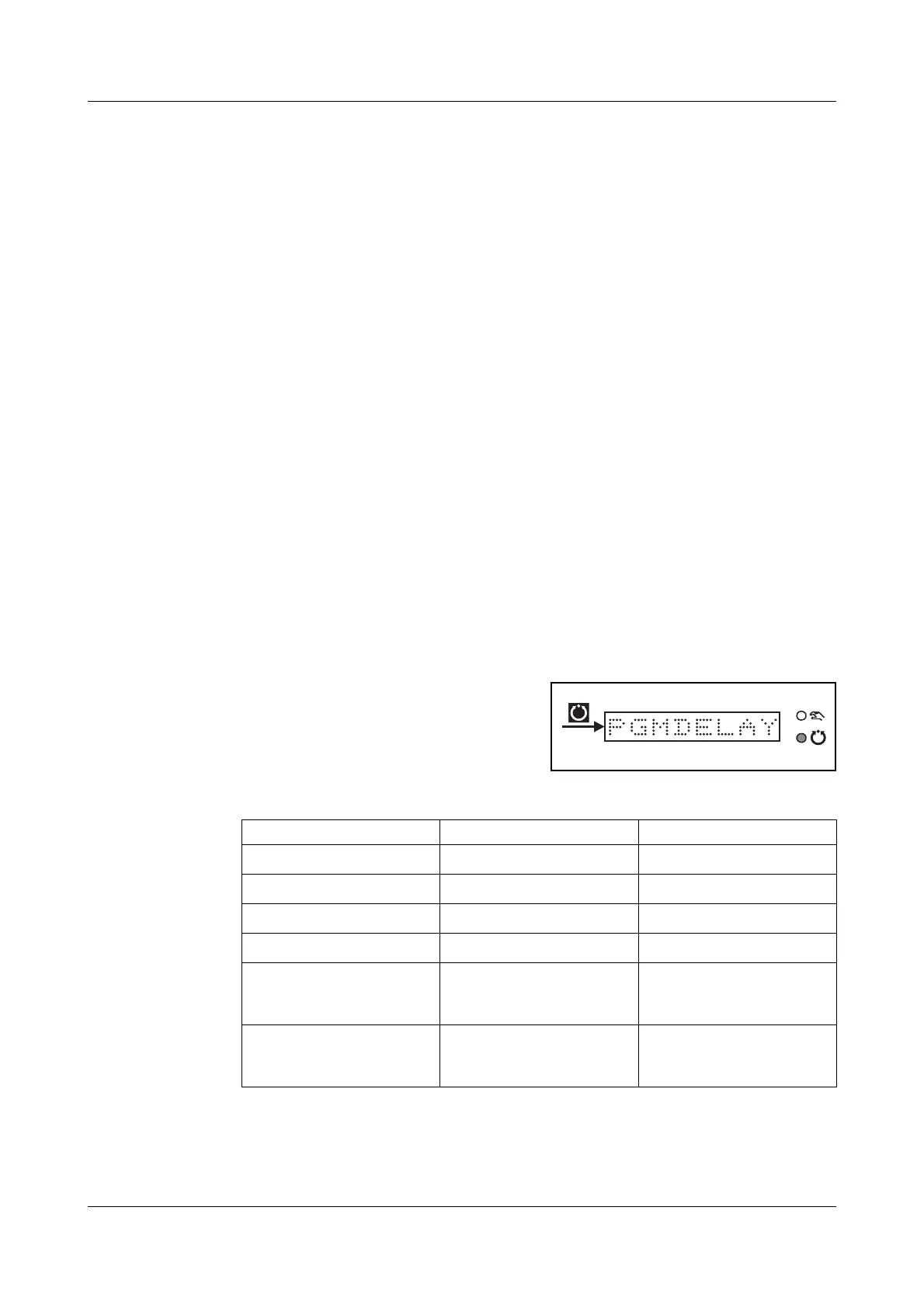
h Start program delay-time with
A
h Cancel program delay-time with A
The LED associated with automatic
operation blinks.
The settings are reset to their normal values after the start of the pro-
gram.
PGMSTART
Parameter Value/selection Description
Program number
➔
PROG.NO. 1.
1—10
Start time
➔
START 00:00:00
00:00:00—23:59:59
Start day
➔
STARTDAY SO
SO—SA
Delay time
➔
DLYTIME 00:00:00
00:00:00—23:59:59
Start segment
➔
STARTSEG 1.
1—100
Segment number at which
a start is made
Residual segment
time
➔
RESIDSEG 00:00:00
00:00:00—23:59:59
Residual run-time of the
start segment
Factory settings are shown bold.



 To Next Page