KINOVA
®
Gen3 Ultra lightweight robot User Guide 26
Default gamepad control mappings - Xbox gamepad
This section describes the default controller mappings between the Xbox gamepad and
the actions on the robot.
Gamepad mappings overview
The robot has three default control mappings for the Xbox gamepad.
1. Twist linear (controls the robot by velocity)
2. Twist angular (controls the robot by velocity)
3. Joint (controls the robot joint by joint by velocity)
General controls
Some controls apply the same across all mappings. These are controls for:
• Entering an admittance mode
• Changing the active control mapping to the next or previous mapping in the list
• Opening and closing the gripper
• Clearing faults - a fault state will make itself known through a red LED on the base controller
of the robot. Pressing the left bumper clears the fault and returns the LED to green.
• Applying emergency stop - this will stop the robot.
• Reaching home or retract position
The available control mappings are in a sequential list, starting with Twist linear
and ending with Joint, as listed above. Pressing the View or Menu buttons will cause the active
control mapping to switch to the previous or next control mapping on the list. The list can be
thought of as circular - selecting previous when on the first mapping will cycle around to the last
mapping, and conversely, selecting the next mappingwhen on the last mapping will cycle around
to the first.
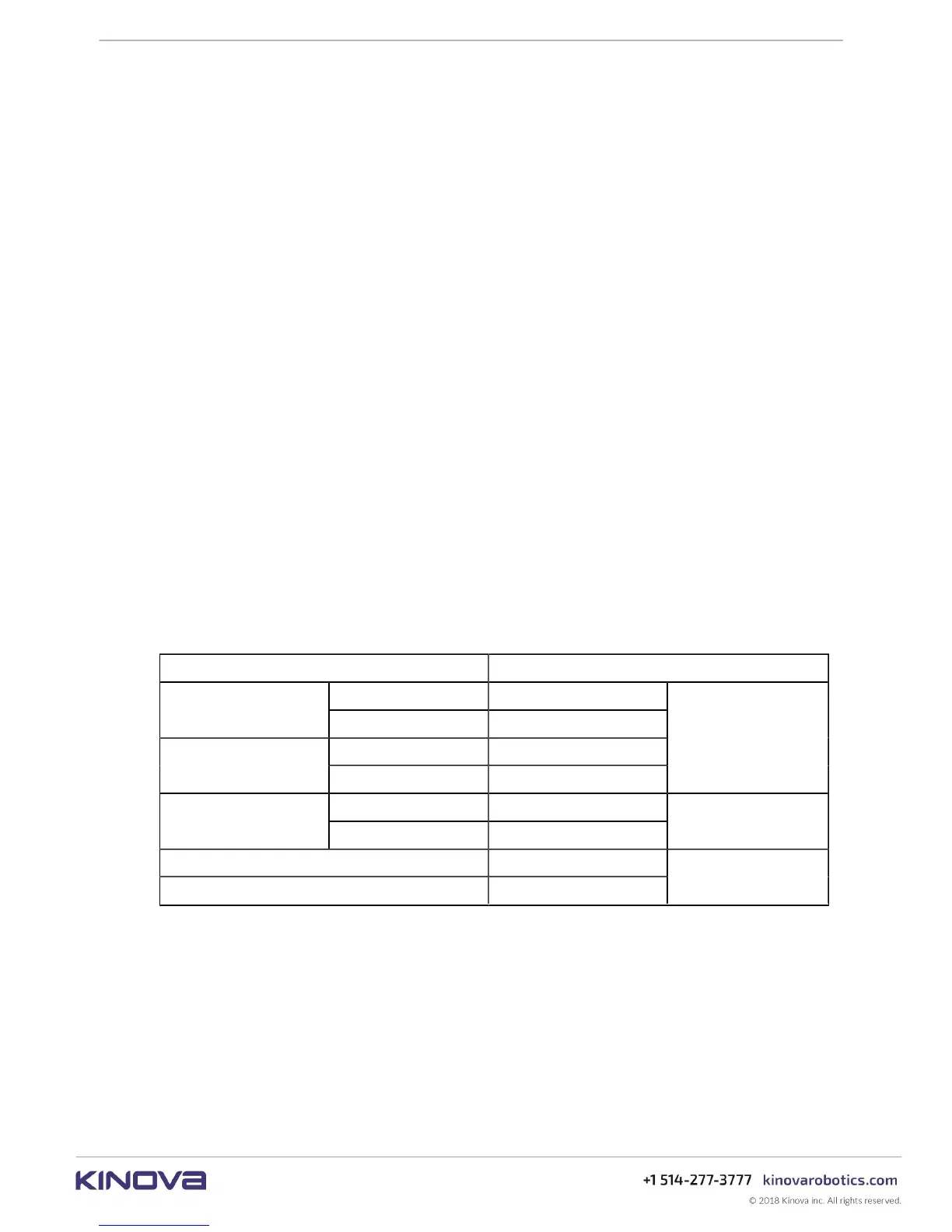
Table 5: General control mappings (common controls applying to ALL mappings)
Action Control
Retract pose A (hold down)
Reach defined pose
Home pose B (hold down)
previous View button
Navigate controller
mappings
next Menu button
button
close Left
Gripper command
open Right
trigger
Clear fault Left
Stop robot Right
bumper



 To Next Page