the clutch can be damaged.
Foreign material can enter
•
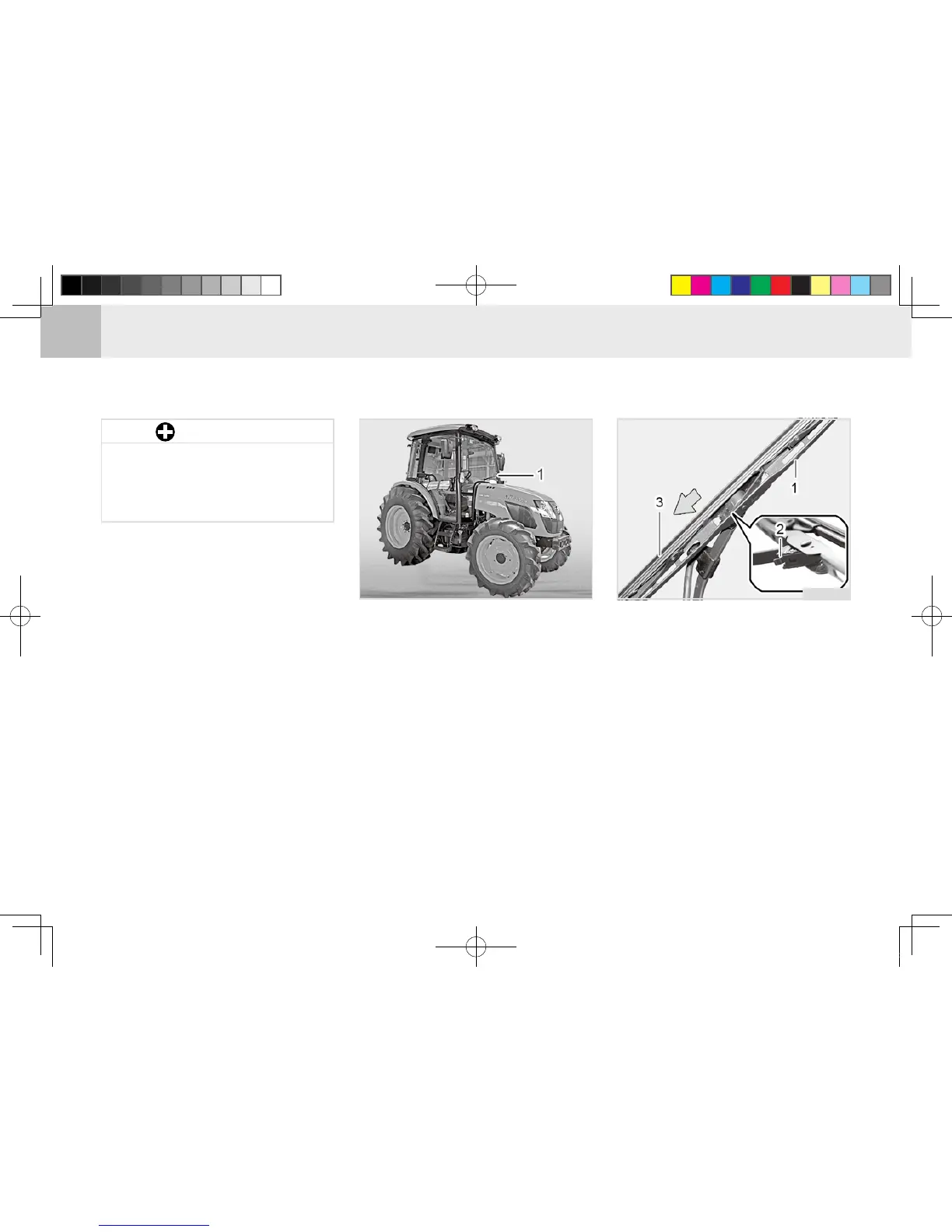
(1) Wiper
Check the operation and wear of the
wiper blades frequently. To replace
the wiper blade, press the wiper x-
ing lever to separate it and then pull
it away.
To remove the wiper arm, lift the cap
of the wiper arm, remove the nut,
and set the wiper arm upright. Then,
hold the arm head and shake it left
and right to remove the wiper arm
from the drive spindle. Disconnect
the washer uid hose and then install
a new wiper arm to its position by
aligning it to the proper angle.
T11O743B
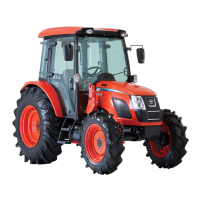
(1) Wiper Arm (2) Wiper Fixing Lever
(3) Wiper Blade
H11O649A
1. Set the wiper upright to replace the
wiper blade.
2. Hold the blade with one hand and
press the blade fixing lever with
the other hand to separate the
blade from the xing part.



 To Next Page