16
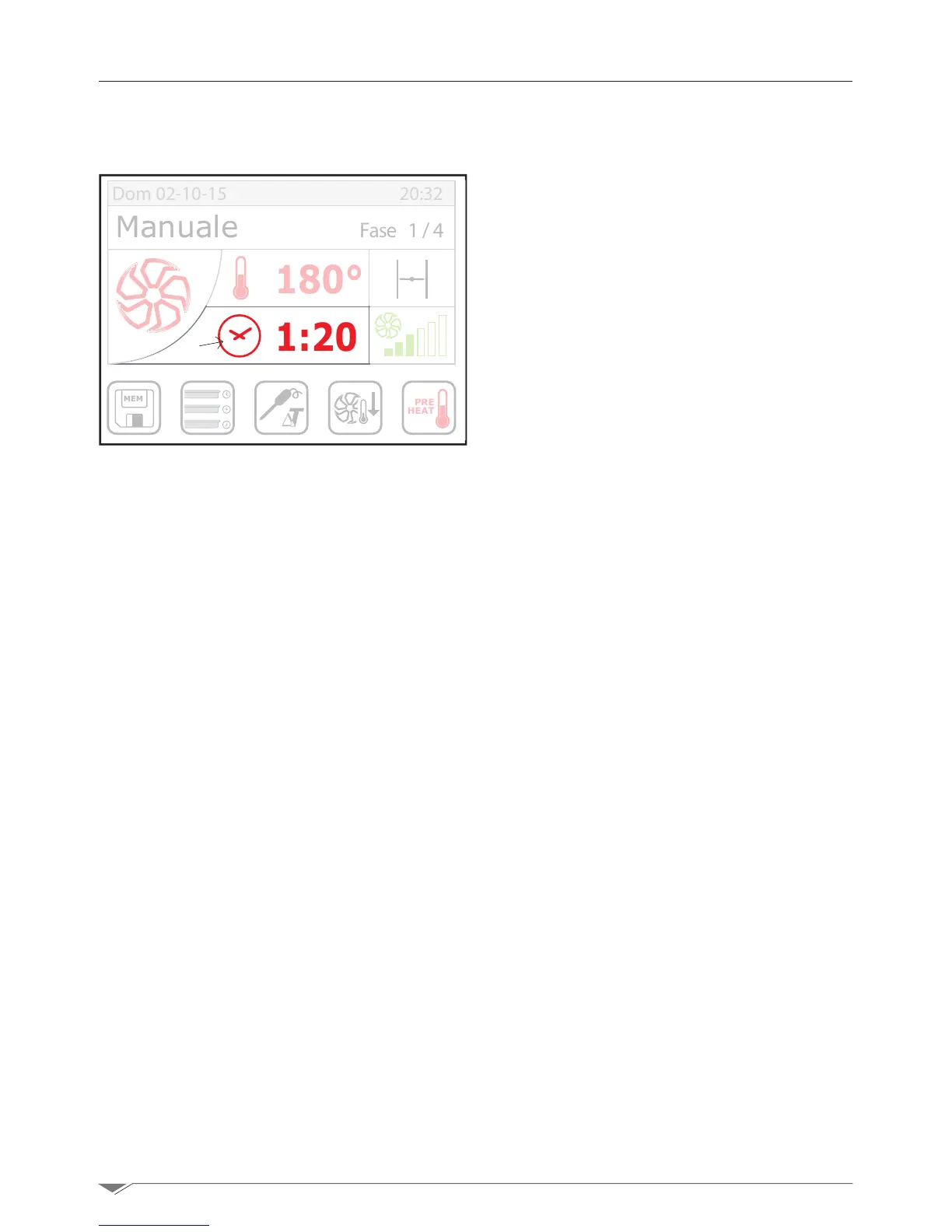
To set the cooking time of each single stage
(partoftheprogram),selectitbypressing
the display S3. Set the time turning the
dial M clockwise to increase the time or
counterclockwise to decrease it.
Conrmthesetvalueby presisng the key
S3 again or by pressing the dial M of the
encoder.
The oven can manage cooking cycles from
1’to120’orinnite.
The innite position can be found by
turning the dial M counterclockwise.
The cooking time is calculated from the
moment in which you press the key T2
“Start” (g. 8 page 9) and, however,
after the completion of the automatic pre-
heating cycle.
The time is temporarily interrupted when
the door is opened or due to a minor alarm.
In case of major alarm, however, the
cooking cycle is permanently interrupted
and once you have solved the problem that
caused the alarm, it cannot be resumed.
In this case, you should set a new cooking
cycle.
When the time set elapses, the oven stops
automatically in "stand-by" condition and
generates an audio signal that lasts about
15 seconds.
MEM
PRE
HEAT
180°
1:20
Manuale Fase 1/4
Dom 02-10-15 20:32
S3
g. 19
3. Manual setup
3.3. Time settting



 To Next Page