30
6. Service Menu
6.1. Self-cleaning
The self-cleaning function of the ovens
equipped with this function can be accessed
by entering the Service menu from the
main menu.
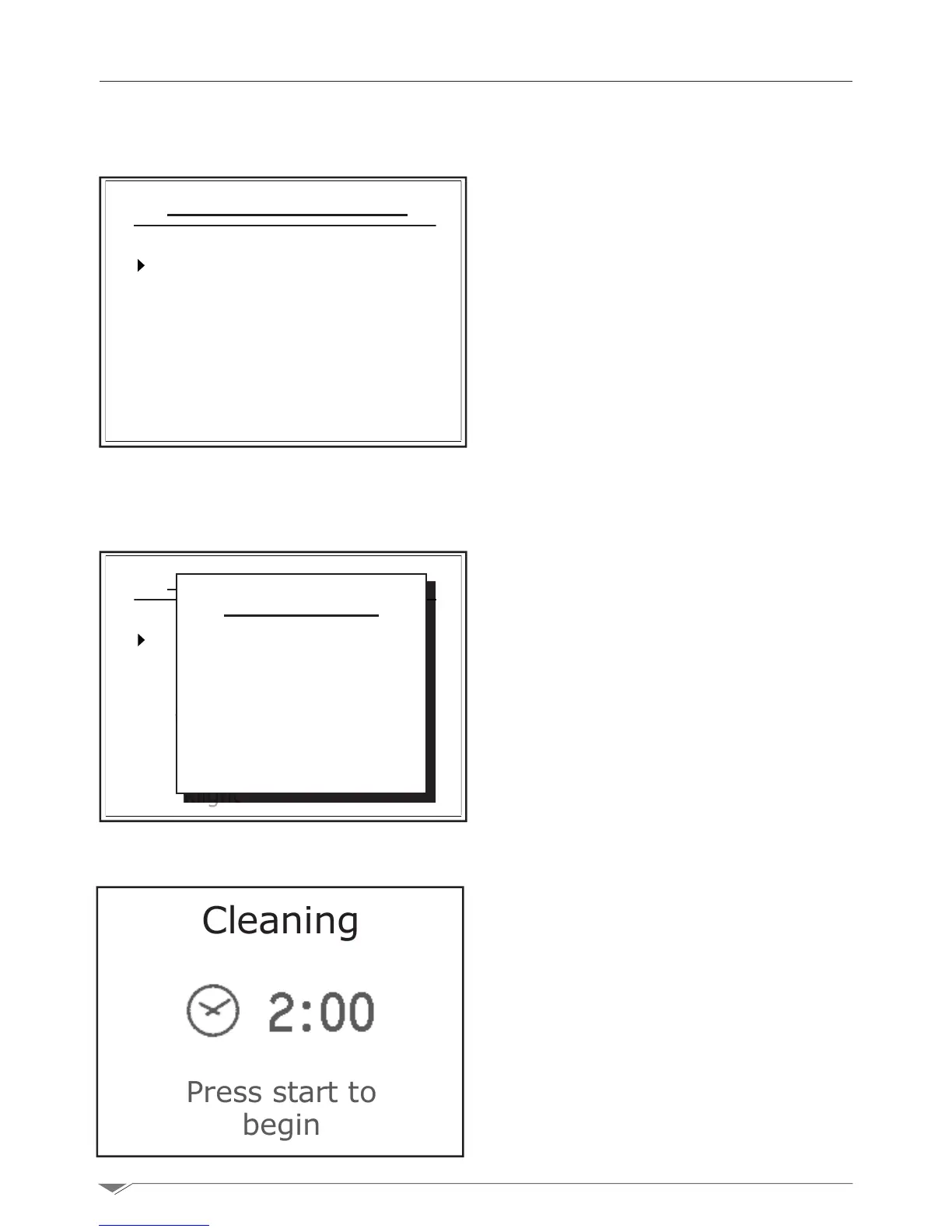
Select the cleaning option from the menu by
pressing the dial M.
Now select the type of self-cleaning (g. 49)
based on how dirty is the inside of the oven.
Press Start to start the cleaning program.
Note: before starting the self-cleaning pro-
gram, verify that the detergent pipe is com-
pletely immersed in the detergent bin and
thatthereisasufcientamountofproduct
inside.
Note: in the case the room temperature is
higher than 150 ° C, the oven automatically
proposes the cooling cycle for the cooking
chamber (see section 3.13 page 22).Run
the cooling mode and then restart the clean-
ing cycle.
i IMPORTANT:
Use exclusively approved detergents:
, to clean
the oven. The use of unapproved de-
tergents shall void the warranty of the
oven.
i HAZARD
Do not open the door of the oven during
cleaning.
Cleaning
Press start to
begin
Service function
Cleaning
Descaling
Date and time
Parameters
Backlight
Service function
Cleaning
Descaling
Date and time
Parameters
Backlight
g. 48
g. 49 g. 50
Washing
Hard
Normal
Soft



 To Next Page